1
3. About the Screen
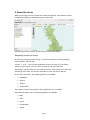
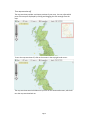
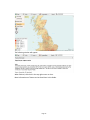
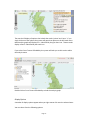
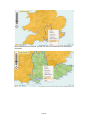
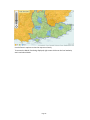
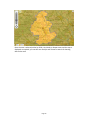
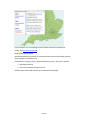
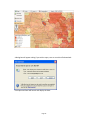
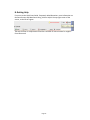
When you first log into HIS, a map of the UK will be displayed. Local Authority Area’s
in England and Wales are displayed in green on the map:
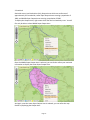
You will only be able to access the areas that you have subscribed to.
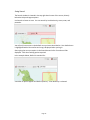
Navigating around the screen
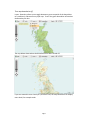
An easy way to move around the map is to use the arrow keys on the keyboard to
move up, down, left and right.
Use the ‘ + ’ and ‘ – ‘ keys on your keyboard to zoom in and out. Or if you have a
scroller on your mouse, you can use this to zoom in and out of the map.
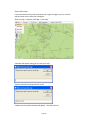
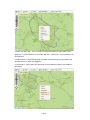
Alternatively, use the slider bar on the left of the map. Click the arrows to move the
positioning of the map. Use the plus and minus to zoom the map in and out.
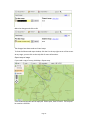
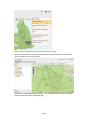
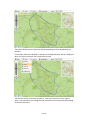
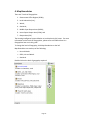
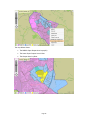
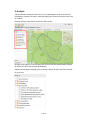
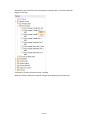
On the left of the screen, the following options are available:
•
Boundaries
•
Analysis
•
Themes
•
Comparables
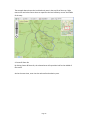
The contents of these are covered in more detail later on in this Guide.
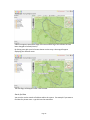
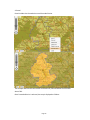
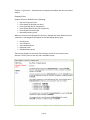
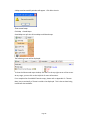
Along the top of the screen, the following options are available:
•
Map
•
Tools
•
Layers
•
Comparables
•
Search
Page 5