1
RING User Guide
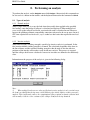
•
•
•
14
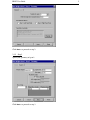
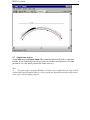
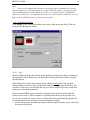
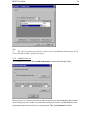
The ’automatic identification of passive zones’ option must be selected when backing is
specified (this is the default setting in RING)
The precise areas where backing is present can be edited using the ’Editing
weights/pressures’ feature.
The crushing strength of the backing material can also be modified using the ’Editing
weights/pressures’ feature. (default value: 5000 kN/m2)
Note:
(i)
The backing idealization described above effectively assumes that relative sliding
between the arch and backing does not occur. Thus backing should only be safely included
where the angle between the line drawn tangentially to the arch extrados and the horizontal is
suitably large.
(ii)
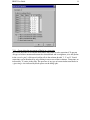
The unit weight of the backing is assumed to be the same as that of the fill material. If
this assumption is grossly inaccurate, the vertical pressures applied to the back of the arch
can be edited using the ’Editing weights/pressures’ feature.
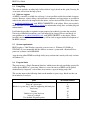
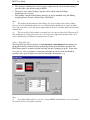
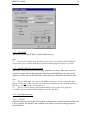
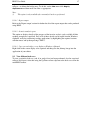
4.1.4.2 Fill profile type
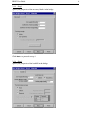
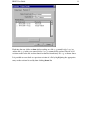
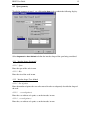
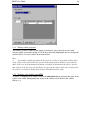
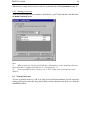
The fill profile type may be selected as either Horizontal or User-defined. In the former case
the height of the top of the fill relative to the bridge datum point should be specified. The
RING datum point is assumed to be the left hand (intrados) springing of span 1. In the latter
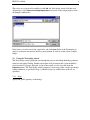
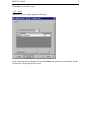
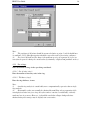
case a list of x and y co-ordinates to adequately describe the surface of the fill should be
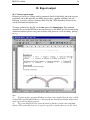
specified (once again all points are relative to the bridge datum point). e.g:
Note:
(i)
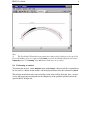
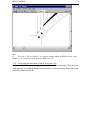
User-defined fill profiles are, in this version of RING, formed from a series of straight
lines which intersect the points specified.