1
OnBoard Pro User Guide
43
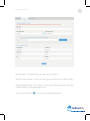
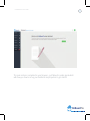
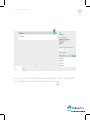
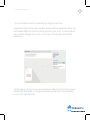
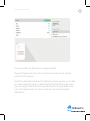
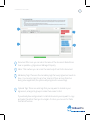
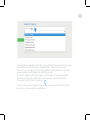
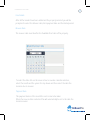
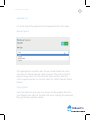
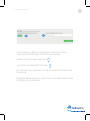
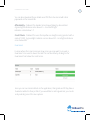
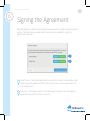
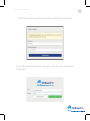
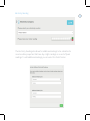
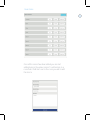
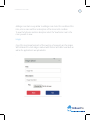
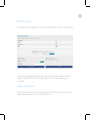
The tenant may be prompted to select the type of signature they would like to use.
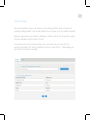
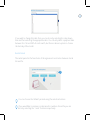
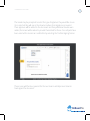
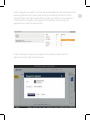
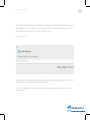
Once selected they will see in the document where their signature is required.
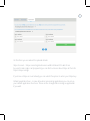
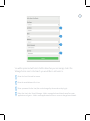
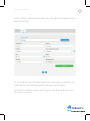
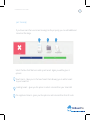
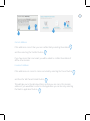
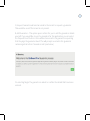
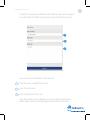
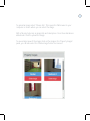
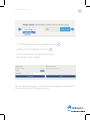
Their signature will be added to the document and if any additional clauses were
added, the tenant will be asked to provide their initials for these. Once all parts have
been selected the tenant can confirm this by selecting the ‘Confirm Signing’ button.
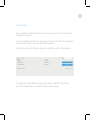
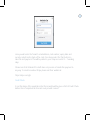
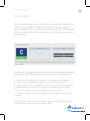
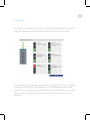
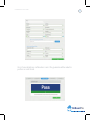
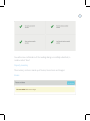
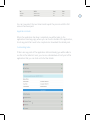
This process will then be repeated for the next tenant until all present tenants
have signed the document.
OnBoard Pro