1
BACK TO
CONTENTS
Creating new invoices from quotes
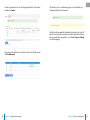
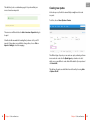
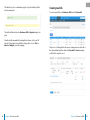
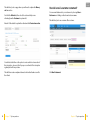
Once you are happy with your quote, click the green tick icon in the
Options column to mark it as complete.
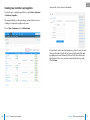
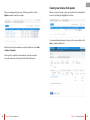
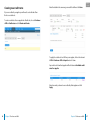
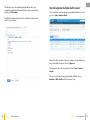
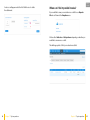
When your customer accepts a quote you are able to turn in straight into
an invoice by clicking the highlighted icon below.
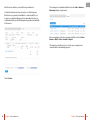
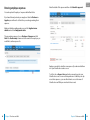
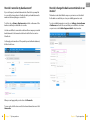
You can make finishing changes to the quote if necessary and then click
Save to create the final invoice.
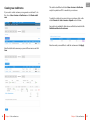
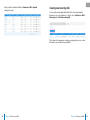
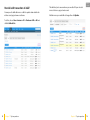
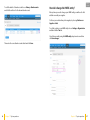
Once the quote has been marked as complete, it will be moved to Sales
> Quotes > Complete.
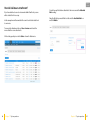
Once a quote is complete it can be marked as rejected, accepted or
invoiced to make sure you keep track of the status of the quote.
24
Chapter 4 Sales and invoices
Chapter 4 Sales and invoices
25