1
Appendix
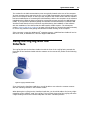
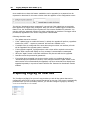
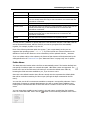
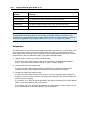
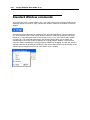
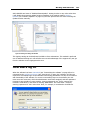
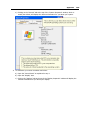
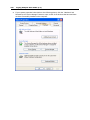
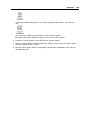
- In Windows VISTA and Windows 7 it is called "Programs and Features" and looks like
this:
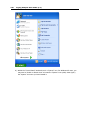
You may need to "Switch to Classic View" to locate this icon quickly.
Start (open) the "Add or Remove Programs" icon once you have located it.
4
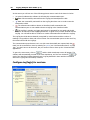
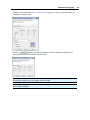
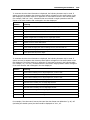
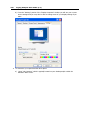
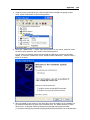
Locate the "LogTag Analyzer" entry and click the "Change" button.
5
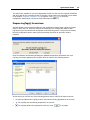
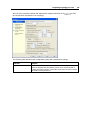
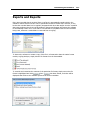
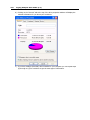
Once the "LogTag Analyzer Setup Maintenance" window is open, select the "Repair" option
and then click the "Next >" button.
6
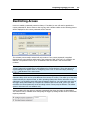
Click the "Finish" button when it is displayed to complete the reinstallation of the software
and USB driver files.
159