1
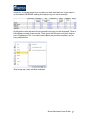
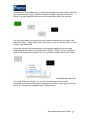
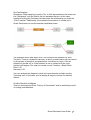
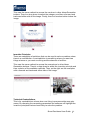
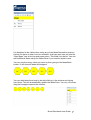
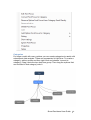
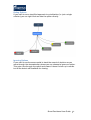
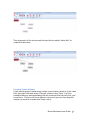
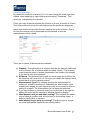
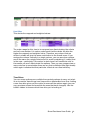
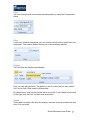
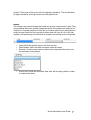
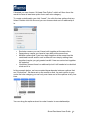
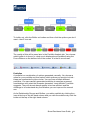
Once you’ve created a portfolio name you can add options to it by clicking
insert and then clicking on the option. It will put a blue circle on the option.
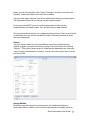
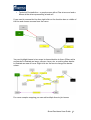
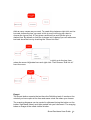
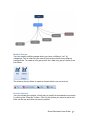
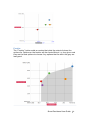
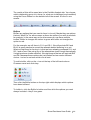
If you try to create a portfolio which has options included that can’t exist (e.g.
because you’ve buffered them out) you’ll end up with grey circles instead
which means you have to correct the error until they all go blue.
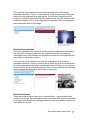
The results of this will be seen later in the Portfolio Analysis tab. You choose
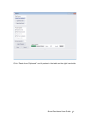
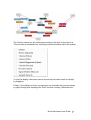
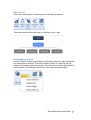
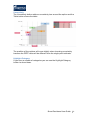
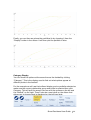
which portfolio is in focus (i.e. what one is displayed and modelled) using the
Focus Ribbon on the bottom left of the screen. It is the 7h one across.
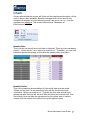
Portfolio Analysis
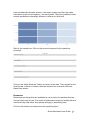
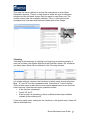
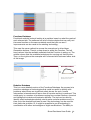
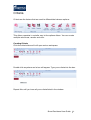
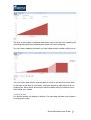
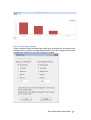
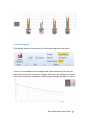
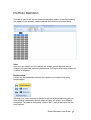
This is the tab where the results can be seen and analysis takes place.
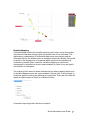
Feasible Set Display
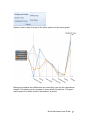
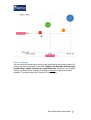
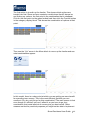
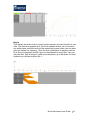
It defaults to the “Football” which is a display of all the possible
combinations of options. The lines represent the boundary of costs and
benefits of these combinations.
Smart Decisions User Guide 102