1
Contrex User Guide
The Contrex Web Portal
The web portal provides a mechanism for you to manage your extension(s) settings, view any messages that
you have received (voice and fax) as well as view the details of calls that you have recently made or received.
Changing your Password
The systems administrator will have provided you with a URL (Internet link) to the web page that allows you to
configure your extension and a login name and password. It is important for security reasons that you set your
own password the first time that you log into the system.
Open a browser and type in the URL that you have been given to access your extension.
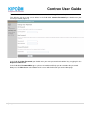
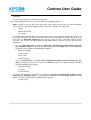
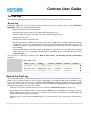
Type in the user name and password you have been provided in the User Name and Password fields on
the screen. (Figure 1)
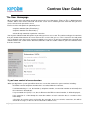
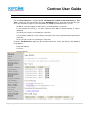
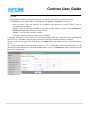
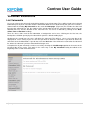
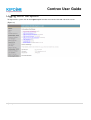
Now press the login button. This will take you to the Homepage for your extension. (Figure 2)
6|Page