1
Create A User Account
Before you can use the ePlanning Scotland site to manage planning applications and appeals,
you must first create a user account.
1.
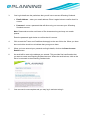
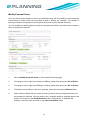
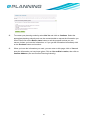
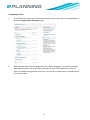
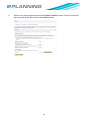
To create a new user account click on the Create an Account button on the Home
page.
2.
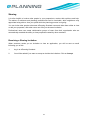
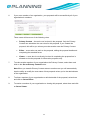
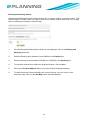
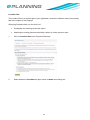
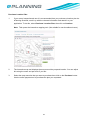
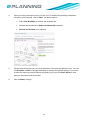
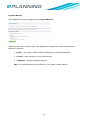
Register your personal details by filling in the following fields:
•
User Type – click to indicate whether you are a member of the public or a member
of a professional organisation
•
Title – select the title you wish to be addressed by
•
First Name – enter your first name
•
Surname – enter your surname.
3