1
114 VIX SERVO DRIVE USER GUIDE
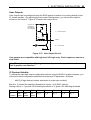
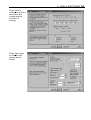
A program may also be uploaded from a drive, a useful facility if a drive needs to be
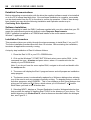
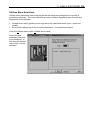
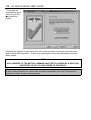
swapped between axes. To upload a program select Upload from the Utilities menu. An
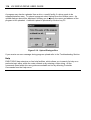
upload dialogue box will be displayed, allowing you to specify the name and address of the
program to be uploaded. A shortcut upload is provided by function key F5.
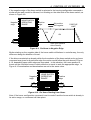
Figure 5-10. Upload Dialogue Box
If you receive an error message during program upload refer to the Troubleshooting Section.
Help
EASI-TOOLS has extensive on-line help facilities, which allows you to search for help on a
particular topic either within the main contents or by entering a topic string. All the
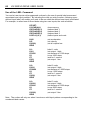
commands listed within this user guide are available on-line by selecting Controller
Commands from the Help menu.