1
Zinstall Migration Suite User Guide
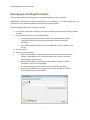
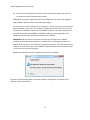
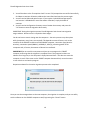
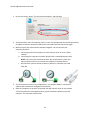
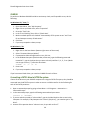
4. The following screen will appear, which means the SOURCE computer is ready to start the
transfer. Do not exit the software until the migration is complete. You now need to continue the
guide, running the software on the target computer
.
On the TARGET computer
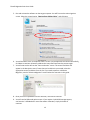
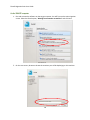
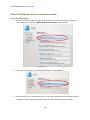
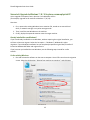
1. Run and activate the software on the target computer. You will first see the main migration
screen. Select the first option, “Moving between two machines” and click Next.
21