1
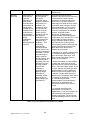
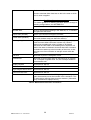
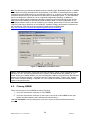
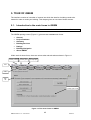
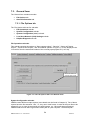
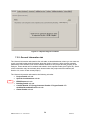
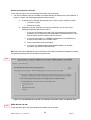
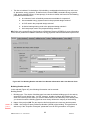
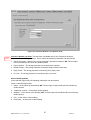
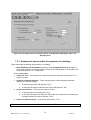
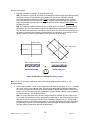
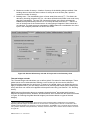
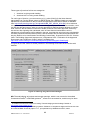
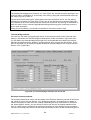
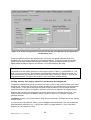
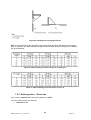
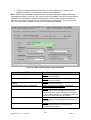
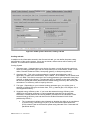
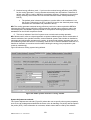
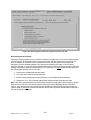
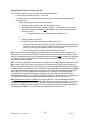
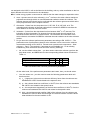
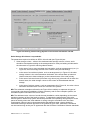
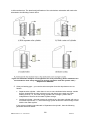
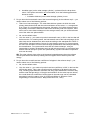
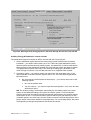
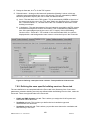
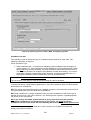
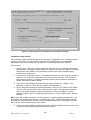
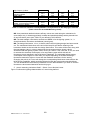
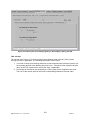
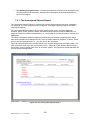
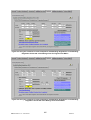
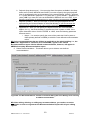
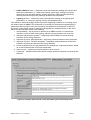
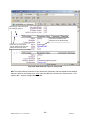
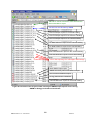
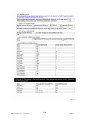
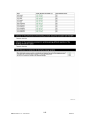
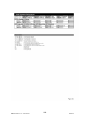
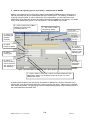
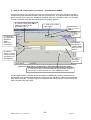
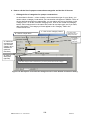
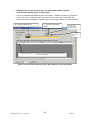
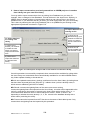
Figure 77: Defining contribution to a zone from a transpired solar collector in the TSC sub-tab
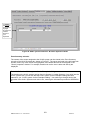
Task 16: Assign each zone to the appropriate HVAC and HWS, and define the ventilation
and lighting strategies for each of the zones
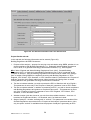
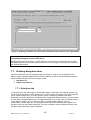
Details can be found in Section A.1 under Systems. For each zone, click into the Zones tab in
the Building Services form. Select each of the zones in turn using the record selector, and enter
the required information.
7.7. Building Navigation form
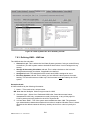
This form allows the user to navigate through the project in order to view summaries of the
different types of building objects that have been defined, as well as some detailed information
about individual objects. This form contains 2 tabs:
1. Selections tab
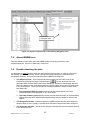
2. Object Properties tab
7.7.1. Selections tab
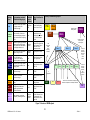
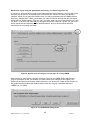
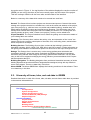
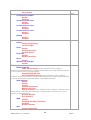
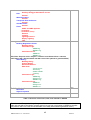
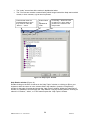
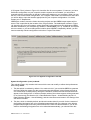
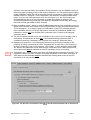
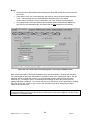
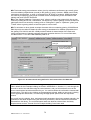
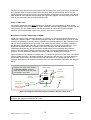
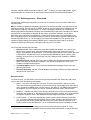
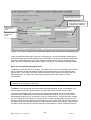
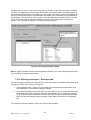
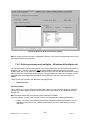
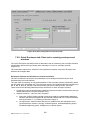
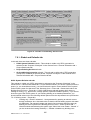
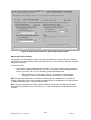
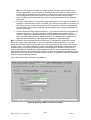
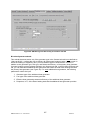
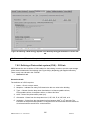
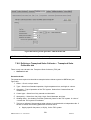
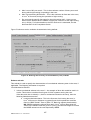
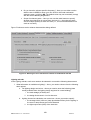
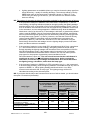
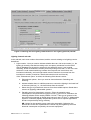
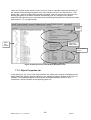
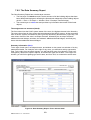
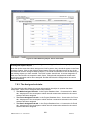
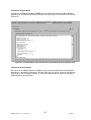
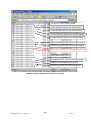
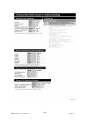
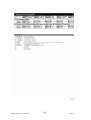
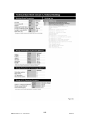
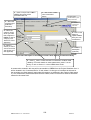
In this tab (Figure 78), depending on which radio button is selected in the ‘Objects’ section, you
can choose to view either: HVAC systems only, HVAC systems and zones only, HVAC systems,
zones, and envelopes only, or HVAC systems, zones, envelopes, windows, and doors.
Depending on which radio button is selected in the ‘Assignment Status’ section, you can choose
to view either: Assigned objects only, Unassigned objects only, or both. Also, by ticking the box
in the ‘Objects’ section, you can choose to also view other building objects, such as
constructions, HWSs, SES, etc. The objects are then listed in the left hand side ‘Object Tree’
window in terms of their names and types. The ‘Key to Objects’ section contains the key to the
symbols used to denote the types of objects.
155
iSBEM version 4.1.e – UK Volume
28Jan13