1
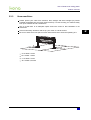
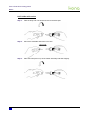
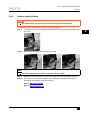
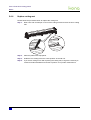
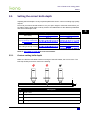
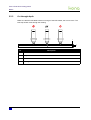
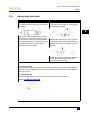
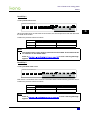
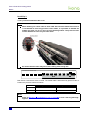
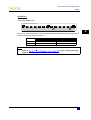
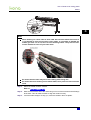
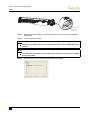
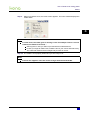
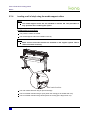
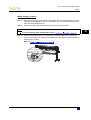
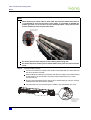
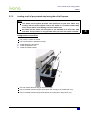
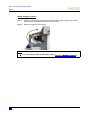
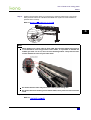
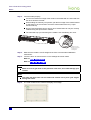
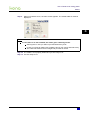
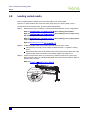
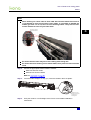
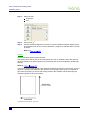
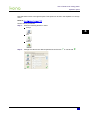
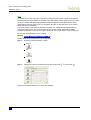
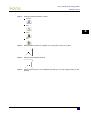
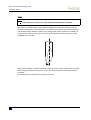
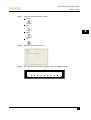
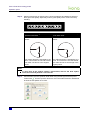
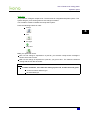
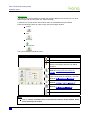
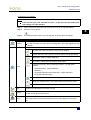
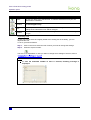
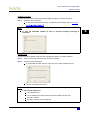
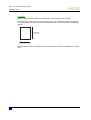
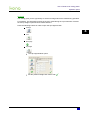
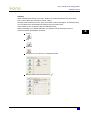
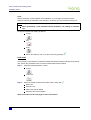
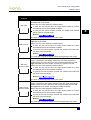
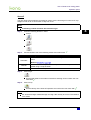
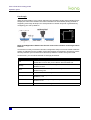
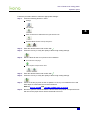
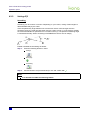
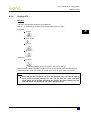
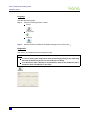
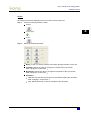
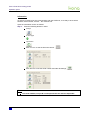
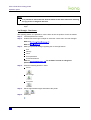
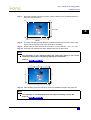
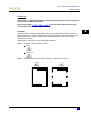
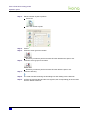
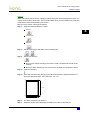
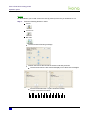
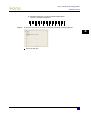
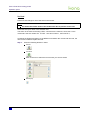
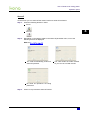
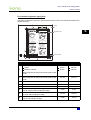
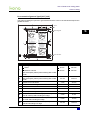
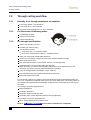
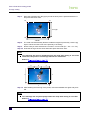
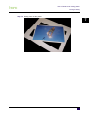
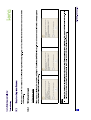
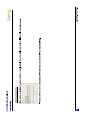
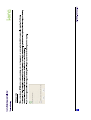
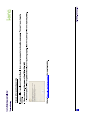
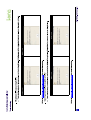
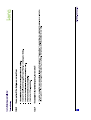
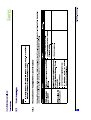
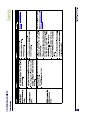
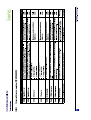
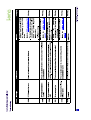
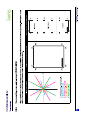
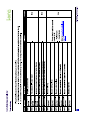
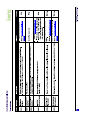
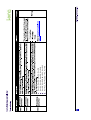
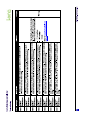
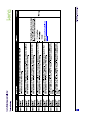
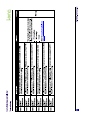
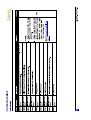
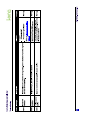
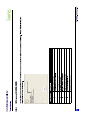
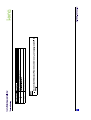
Users Guide Kona cutting plotter Basics 3.7.3 L oadingsheetm edia Configurationtostartfrom The pressure rollers are raised. The rear media collection bag is open and empty. Open the front media collection bag when the cutting job is smaller than 4m. Close the front media collection bag when the cutting job is larger than 4m. Remove the media support rollers M edialoadingprocedure ͬ»° ïæ Guide the media under the pressure rollers at the front of the cutter. Ò±¬» In case of working with curled media, refer to ͬ»° îæ . Position the pressure rollers (1) so that every pressure roller faces a grit roll (2). Each pressure roller has a tactile and audible click system which makes it easier to position them correctly. Refer to 52 AP-75380 - Revision 1.3