1
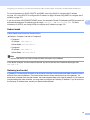
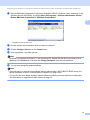
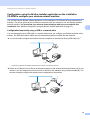
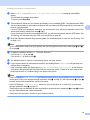
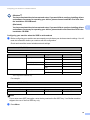
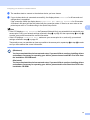
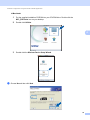
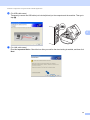
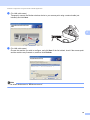
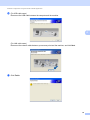
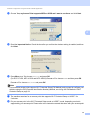
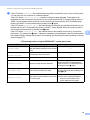
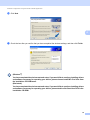
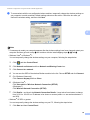
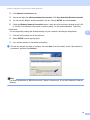
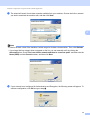
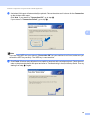
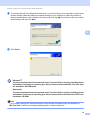
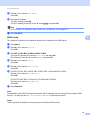
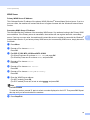
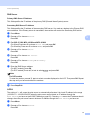
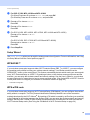
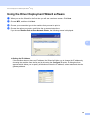
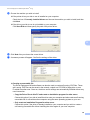
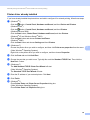
Driver Deployment Wizard (Windows® only) e Choose the machine you wish to install. If the printer driver you wish to use is installed on your computer: Check the box of Currently installed drivers and choose the machine you wish to install, and then click Next. If the driver you wish to use is not installed on your computer: Click Have Disk and then specify the path of the printer driver. 6 f g Click Next after you choose the correct driver. A summary screen will appear. Confirm the settings of the driver. Creating an executable file The Driver Deployment Wizard software can also be used to create self running .EXE files. These self-running .EXE files can be saved to the network, copied to a CD-ROM, a floppy disc or even E-mailed to another user. Once run, the driver and its settings are automatically installed without any user intervention. • Copy the Driver files to this PC and create an installation program for other users. Choose this option if you wish to install the driver onto your computer and also create a self-running executable file for use with another computer using the same operating system as your own. • Only create an Installation Program for other users. Choose this option if the driver is already installed on your computer and you wish to create a self-running executable file without installing the driver again on your own computer. 84