1
ClickCartPro Version 6.0.6 User Manual
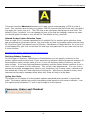
Enter a display name for this subscription. Changing the name of this subscription does not
affect user subscription status.
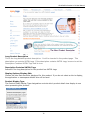
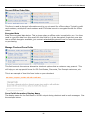
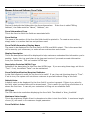
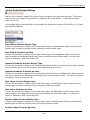
Send Mail Message
If you want to send a message from within ClickCartPro, this menu will help you quickly
accomplish the task.
General Message Settings/From Email Address
Enter the email address which should be used as the from email address for the mail message.
Message Subject
Enter the message subject for the mail message.
Text Message
Enter the plain text message below. This text should be plain ASCII text. As with all messages,
it is a good idea to include both text only messages and HTML messages. Some mail servers do
not support HTML messages, so if you don’t add a text only message, those customers will
receive nothing.
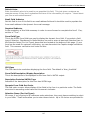
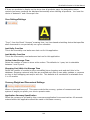
Recipients/To Email Addresses
Enter the email addresses for the mail (To) recipients of the mail message. You can enter a
single address or a comma-delimited list of addresses.
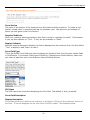
Cc Email Addresses
Enter the email addresses for the carbon copied (Cc) recipients of the mail message. You can
enter a single address or a comma-delimited list of addresses.
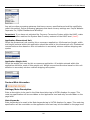
Bcc Email Addresses
Enter the email addresses for the blind carbon copied (Bcc) recipients of the mail message. You
can enter a single address or a comma-delimited list of addresses.
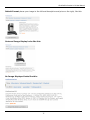
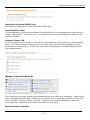
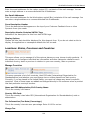
XHTML Message Information/Send XHTML Message (In addition to text)
Indicates whether an XHTML message will be sent in addition to a text message for this mail
message. As with all messages, it is a good idea to include both text only messages and HTML
messages. Some mail servers do not support HTML messages, so if you don’t add a text only
message, those customers will receive nothing.
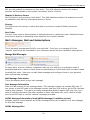
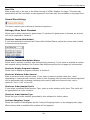
XHTML Message Skin
The skin used to use for the mail message XHTML display.
XHTML Message
134