1
ACM Manager User Guide
51
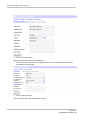
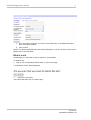
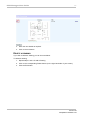
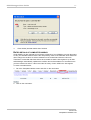
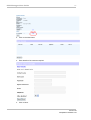
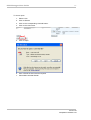
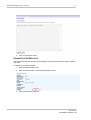
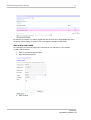
5. Click on the Submit button.
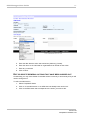
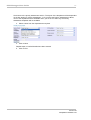
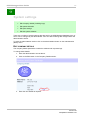
EDIT YOUR PERSONAL DETAILS
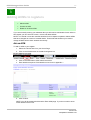
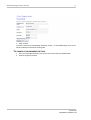
If you wish to change your password or any other personal details you can do so.
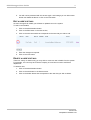
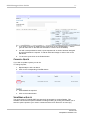
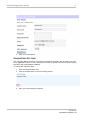
To change your personal details;
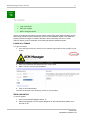
1. Enter the administration area.
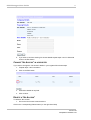
2. Click on the Edit button in the Personal Details section.
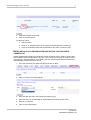
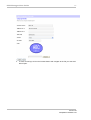
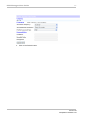
3. Enter your new details as required.
Note: If you want to enter a new password you must ensure that you enter a matching
password in the repeat password field.
Version 1.02
Last Updated: 17/01/2007 11:32