1
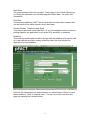
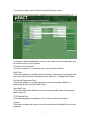
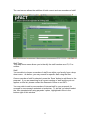
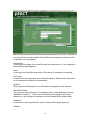
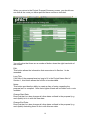
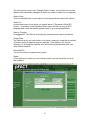
Start Date:
The proposed start date of the project. Free typing in the format dd/mm/yyyy
or clicking the calendar icon and selecting the desired date, can enter this
information.
End Date:
Automatically added by pFACT as one year after the start date, however this
can be edited in the same manner as the start date.
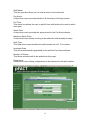
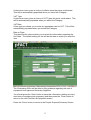
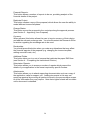
Contact Person, Telephone and Email:
This may be someone other than the PI or a Co-Investigator that is involved in
putting together the application, such as the PI’s secretary or assistant.
Deadline:
This must be entered and should be the pre-defined deadline of a specific call
or a user-defined end date, setting a date by which the user wishes the
application to be completed.
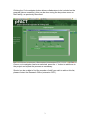
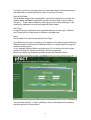
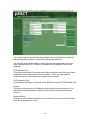
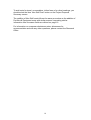
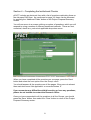
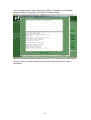
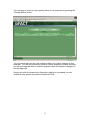
Once all this information has been entered, you should select ‘Save’ to store
these details or ‘Close’ to discard them. You can now move onto the next
page by pressing the relevant button.
2