1
Section 5 – Approving your Proposal
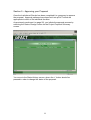
Once the Institutional Checks has been completed it is necessary to approve
the proposal. Approval pathways have been built into pFACT which are
appropriate to each of the individual faculties.
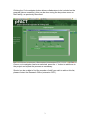
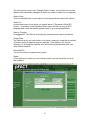
As previously mentioned (on page 20), you initiate the approval process by
selecting the ‘Status Change’ button on the Project Proposal Summary
screen.
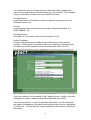
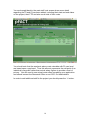
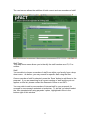
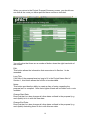
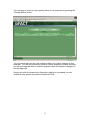
You move to the Status History screen, where the ‘+’ button should be
pressed in order to change the status of the proposal.
22