1
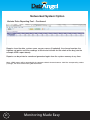
Networked System Option
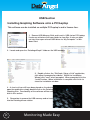
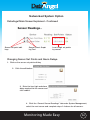
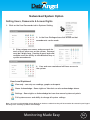
Changing a Sensors Displayed Name
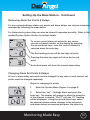
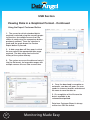
1. Click on the User Passwords tab in Systems Setting
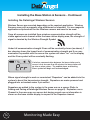
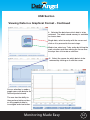
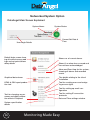
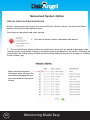
Sensor Battery Usage Indicator
Sensor name edit key
Wireless Signal Strength indicator for
each paired sensor
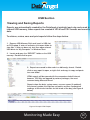
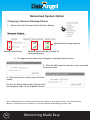
2. The above Sensor Status bar will appear showing all paired sensors
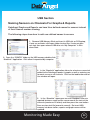
3. Click the edit button to enter the screen so amend
the sensor name
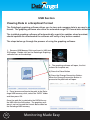
3. Enter the sensors chosen name and click
submit.
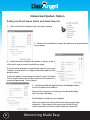
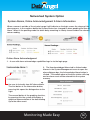
Re-click the Sensor Status tab in System Settings
and complete steps 1-3 for all paired sensors.
Note - Calibration offsets can be entered into the base station for each paired sensors, this should only be
done by a competent person and where an accurate calibration methodology has been used.
35
Monitoring Made Easy