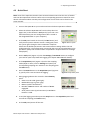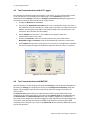
1
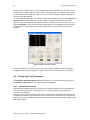
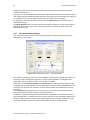
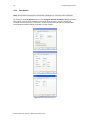
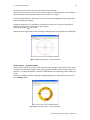
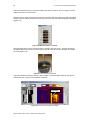
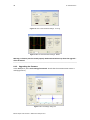
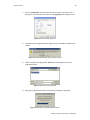
4 – Operating Procedure 25 Figure 4-17 QL40 ABI Surface Image browser window
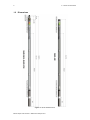
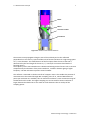
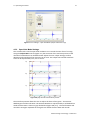
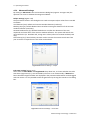
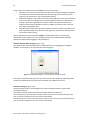
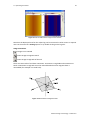
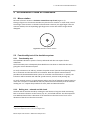
Note that the displayed units for the caliper log can be converted to either metric or imperial units via the menu bar’s Settings option or by double clicking on the log title. Image orientation: Image is non‐oriented Orient image to magnetic North Orient image to High Side of the tool There are two modes of tool data orientation: orientation to High Side and orientation to North. Orientation to High Side is used in inclined boreholes when magnetic data is unavailable (for example in a cased hole). Figure 4-18 Orientation to Magnetic North
Advanced Logic Technology – www.alt.lu