1
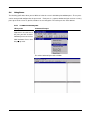
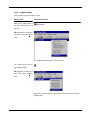
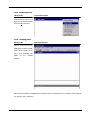
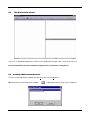
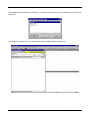
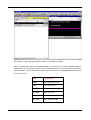
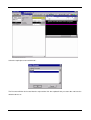
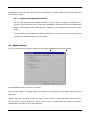
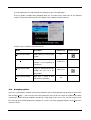
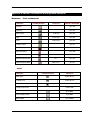
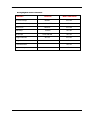
WINCUE USER GUIDE CHAPTER 7 – THE SCRIPT EDITOR This shows the script being typed whilst the column is scaled to fit the window. WinCue supports both mouse and keyboard controls. A summary of the shortcut keyboard controls is shown below. These keystrokes can be used in conjunction with the mouse and will help you to move around the editor. Text can be deleted using Backspace, the delete key or by highlighting the desired text and pressing delete. Key To move HOME To the beginning of a line END To the end of a line Page Up Up one screen Page down Down one screen Ctrl + HOME To the beginning of the script Ctrl + END To the end of the script 41 AUTOCUE LTD. 2002