1
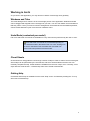
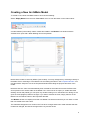
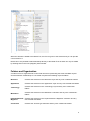
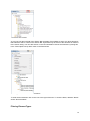
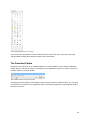
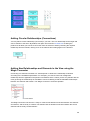
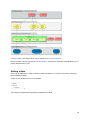
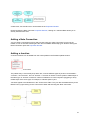
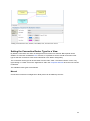
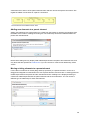
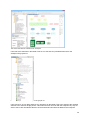
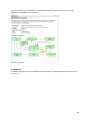
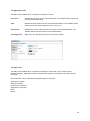
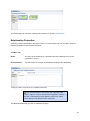
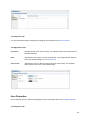
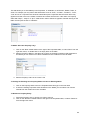
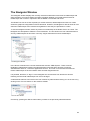
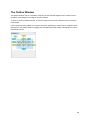
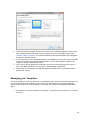
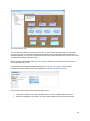
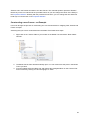
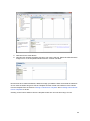
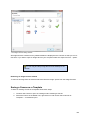
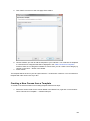
The Model Tree window showing an example model for "Archisurance"
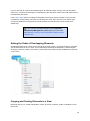
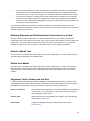
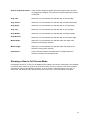
Each ArchiMate element and relationship is placed under its respective folder in the Model Tree.
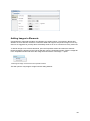
Adding Elements Directly to the Model Tree
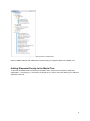
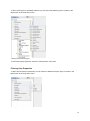
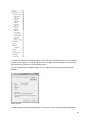
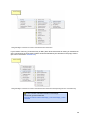
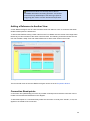
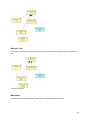
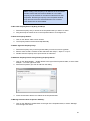
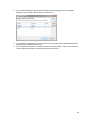
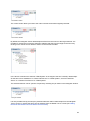
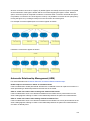
To add new ArchiMate elements directly to the Model Tree, select one of the folders, "Business",
"Application", "Technology" or "Connectors" and right-click. A "New" menu item allows you to add new
elements to the tree:
8