1
Opening, Saving and Printing
Opening an Existing Model
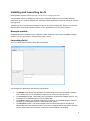
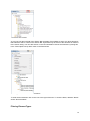
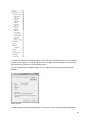
To open an existing ArchiMate model that has been created in Archi, choose the "Open..." menu item
from the main “File” menu or from the main toolbar. If the model is already open in Archi, this
command has no effect.
You can also drag an ".archimate" file from the desktop onto the Model Tree window to open it.
The Windows version of Archi supports opening the application from the desktop by opening files with
the ".archimate" file extension.
Saving a Model
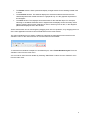
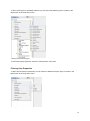
A model can be saved to disk from the "Save" menu item available from the main "File" menu or from
the main toolbar. If the model has not been previously saved you will be prompted for a file name.
The "Save As..." menu command allow you to save the model with a different name.
Closing a Model in the Model Tree
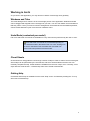
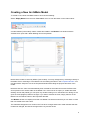
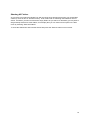
It is possible to have more than one ArchiMate model open at the same time in the Model Tree. You
may wish to close one or model so that it does not appear in the Model Tree. This is achieved by
right-clicking the model in the Model tree and selecting the “Close Model” menu item or selecting the
“Close Model” menu item from the main “File” menu. Closing a model does not delete the model and
it may be re-opened in Archi at any time from the “Open” command. If the model has been modified
you may be prompted to save it before closing it.
Printing A View (Diagram)
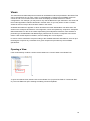
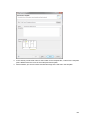
A View (diagram) can be printed to a connected printer. This is available from the "Print..." menu
command in the main "File" menu. This menu command is only available if a View is open.
69