1
KX-TCD950E(E)(45~61)
98.6.24 7:52 PM
Page 55
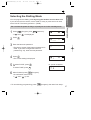
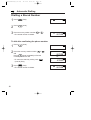
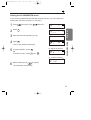
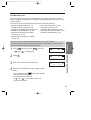
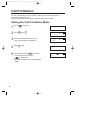
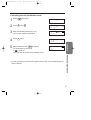
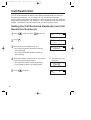
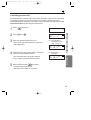
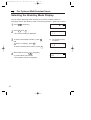
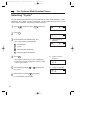
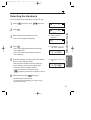
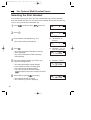
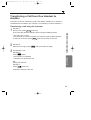
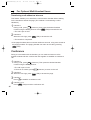
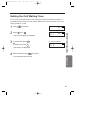
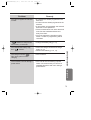
Selecting the Handsets
You can select which handset(s) you want to ring.
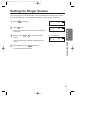
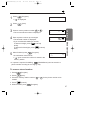
1 Press
2 Press
(Program), then I NT (Intercom).
1 .
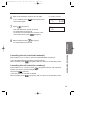
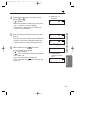
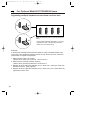
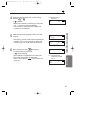
Ex. "All handsets" is
selected.
i i
3 .
4 •Press
The current registered handset number(s)
is/are displayed.
• The current selected handset number(s)
is/are flashing.
• The selected handset number(s) flash(es).
• If you misdial, press the number(s) again.
• You must enter a handset number.
If you do not enter a handset number,
(Program) will not be accepted in step 6.
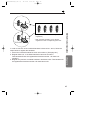
i 3 - i 23456
Ex. Handsets 1 and 5 will
ring.
i 3 - i 23456
Chapter 4
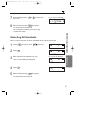
the handset number(s) which you wish to
5 Press
ring using the dialling buttons.
Ex. Handsets 1, 2, 3, 4, 5
and 6 are registered.
Multi-Unit User Operations
the base unit password (p. 35).
3 •Enter
The current setting is displayed.
i ----
finished, press
(Program).
6 •When
A confirmation tone sounds.
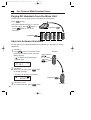
• To change the handset(s) you wish to ring,
repeat from step 1.
55