1
ACCESSORIES
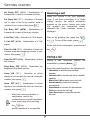
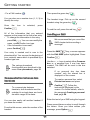
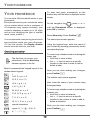
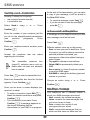
Alarm clock
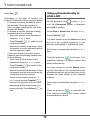
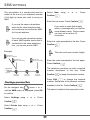
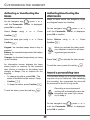
The alarm settings information screen
appears showing the new status. Press
The alarm function enables you to activate
the handset ringer every day at a set time.
Confirm
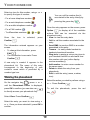
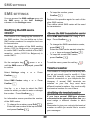
Modifying the alarm clock time
When the alarm is triggered the selected ring
tone sounds for 60 seconds through the
handset speaker and an alert screen is
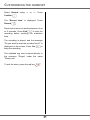
Select Set Time in the list using or .
Press Confirm
displayed. To turn off the alarm press
or
.
.
Enter the time at which you would like the
key.
alarm clock to sound. Press Confirm
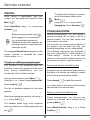
Setting the alarm clock
The information screen displays the new
setting. Press Confirm
, press or On the navigator key
.
until the Accessories screen is displayed,
press OK to confirm.
.
Once the time has been set, the
alarm is automatically activated.
Select Alarm clock using or . Press
Confirm
.
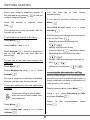
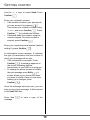
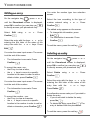
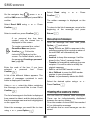
Changing the alarm clock ring tone
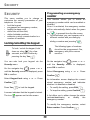
An information screen shows the alarm clock
status.
- the time at which the handset will ring,
- if the alarm is on or off.
•
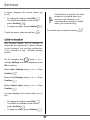
To keep these settings, press
•
Confirm
.
To change the alarm time or status (on
or off), press Edit
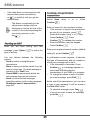
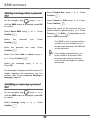
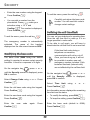
To modify the alarm clock ring tone, select
Ring tone in the alarm clock menu using or . Press Confirm
.
The list of ring tones appears.
Select the desired ring tone using or .
.
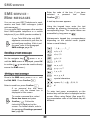
A list showing the different settings appears.
Press Volume
setting screen.
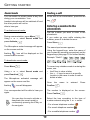
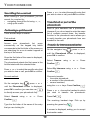
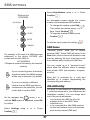
Activating or deactivating the
alarm clock
to access the volume
Press or to increase or decrease the
volume.
To activate or deactivate the alarm clock
without changing the time.
Once the volume is set, press Confirm
.
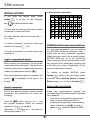
Select Activate or Deactivat in the list using
or . Press Confirm
The alarm clock settings information screen
.
appears. Press Confirm
33
.