1
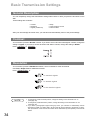
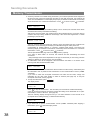
Sub-Addressing
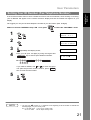
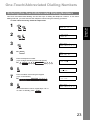
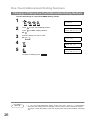
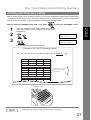
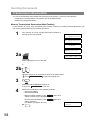
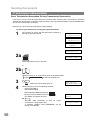
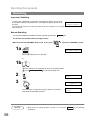
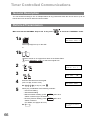
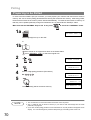
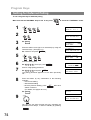
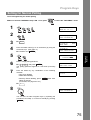
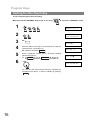
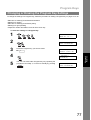
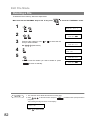
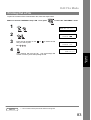
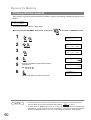
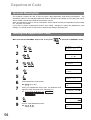
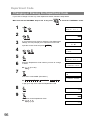
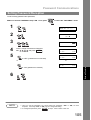
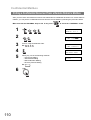
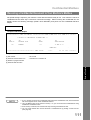
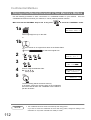
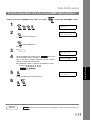
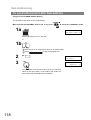
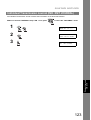
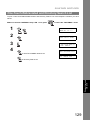
To send a Document with Sub-address
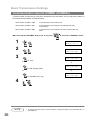
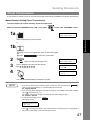
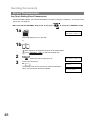
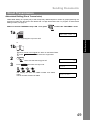
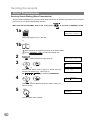
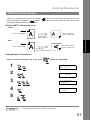
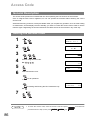
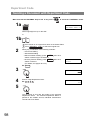
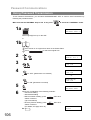
Using One-Touch/ABBR. Number Dialling
The operation is the same as for normal dialling
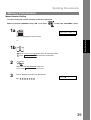
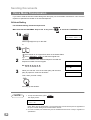
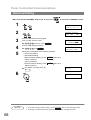
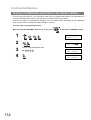
Make sure that the FAX/EMAIL lamp is ON. If not, press
to select the "FAX/EMAIL" mode.
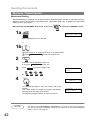
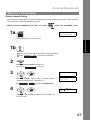
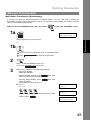
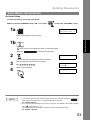
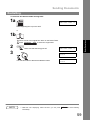
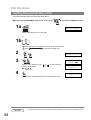
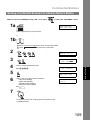
1a
ENTER STATION(S)
THEN PRESS START 00%
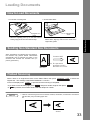
Place original(s) face up on the ADF.
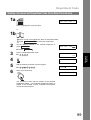
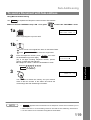
or
1b
1 Place a book or an original face down on the Platen Glass.
2 Press ORIGINAL SIZE to select the original size.
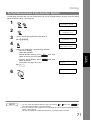
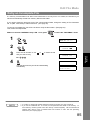
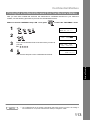
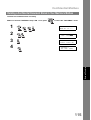
2
3
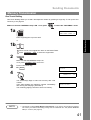
Ex: 01
<01>(Station name)
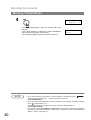
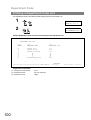
5551234s2762
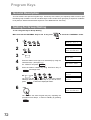
* STORE *
NO.001
PAGES=001 01%
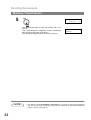
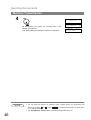
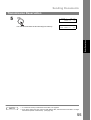
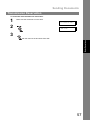
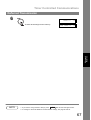
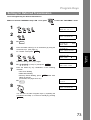
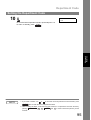
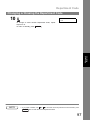
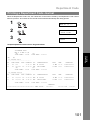
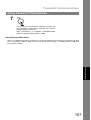
The document is stored into memory and your machine
starts to dial the number of the station and sends the
document(s) with Sub-addressing information.
118