1
Digital Video Recorder
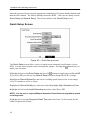
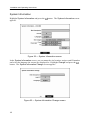
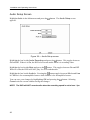
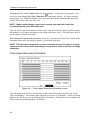
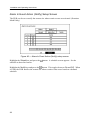
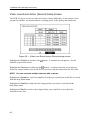
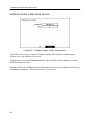
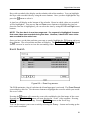
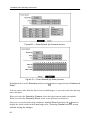
Callback Center (Modem) Setup Screen
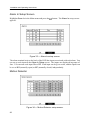
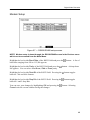
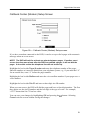
Figure 59 — Callback Center (Modem) Setup screen.
If you have a modem connected to the DVR, it can be set up to dial a pager with a numeric
message when an event occurs.
NOTE: The DVR will wait for at least one minute between pages. If another event
occurs less than one minute after the DVR has notified a pager, it will not dial the
pager. It does this so that the telephone line will not be tied up.
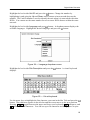
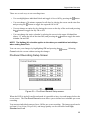
Highlight the box beside Pager Number and enter the telephone number of the pager.
Enter the number as it must be dialed from your telephone system; e.g., if you must dial “9”
for an outside line, enter “9” before the pager number.
Highlight the box beside Mailbox and enter the voice mailbox number if your pager uses a
voice mailbox.
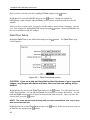
Highlight the box beside Site ID and enter a three-digit site ID number.
When an event occurs, the DVR will dial the pager and leave a four-digit number. The first
three digits are the site ID number and the last digit is the type of event. For example,
“0753” means that Site 75 has lost video.
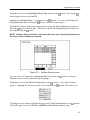
You can save your changes by highlighting OK and pressing the
Cancel exits the screen without saving the changes.
button. Selecting
51