1
Digital Video Recorder
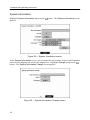
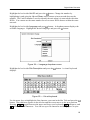
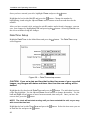
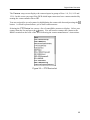
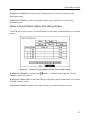
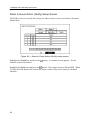
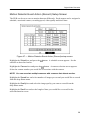
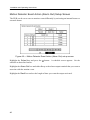
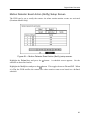
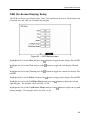
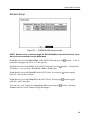
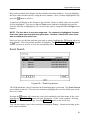
RS232/RS485 Setup Screen
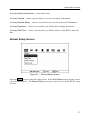
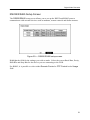
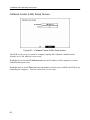
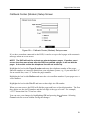
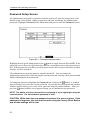
The RS232/RS485 setup screen allows you to set up the RS232 and RS485 ports to
communicate with external devices such as modems, remote controls and dome cameras.
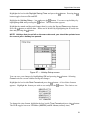
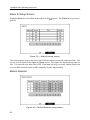
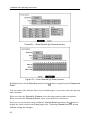
Figure 39 — RS232/RS485 setup screen.
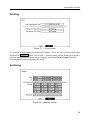
Highlight the field for the settings you wish to make. Select the correct Baud Rate, Parity,
Data Bits and Stop Bits for the device you are connecting to the DVR.
For RS485, it is possible to select either Remote Control or PTZ Control in the Usage
field.
31