1
Digital Video Recorder
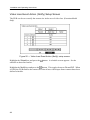
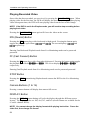
Highlight the box beside Daylight Saving Time and press the
button toggles between On and Off.
button. Pressing the
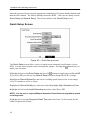
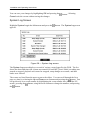
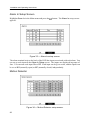
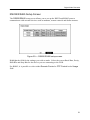
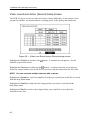
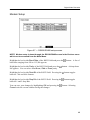
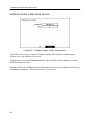
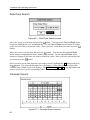
Highlight the Holiday Setup… box and press the button. You can set up holidays by
highlighting Add: and pressing the button. The current date appears.
Highlight the month and day and change them by using the Up and Down arrow buttons.
Press the button to add the date. Dates can be deleted by highlighting the X beside the
date and pressing the button.
NOTE: Holidays that do not fall on the same date each year should be updated once
the current year’s holiday has passed.
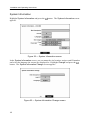
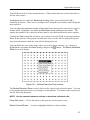
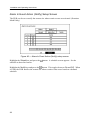
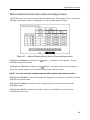
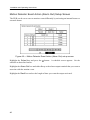
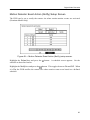
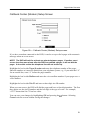
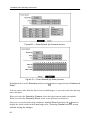
Figure 27 — Holiday Setup screen.
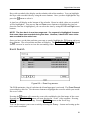
You can save your changes by highlighting OK and pressing the
Cancel exits the screen without saving the changes.
button. Selecting
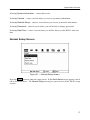
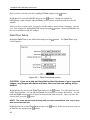
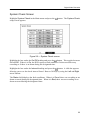
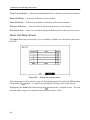
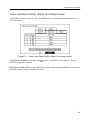
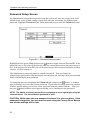
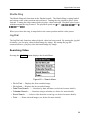
Highlight the box beside Date Format and press the button. A list of date formats
appears. Highlight the format you wish to use and press the button. The choices are:
MM-DD-YYYY
DD-MM-YYYY
YYYY-MM-DD
MM/DD/YYYY
DD/MM/YYYY
YYYY/MM/DD
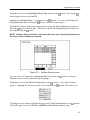
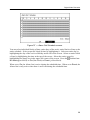
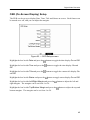
To change the time format, highlight the box beside Time Format and press the
The DVR toggles between 12 Hours (AM/PM) and 24 Hours (military time).
button.
21