1
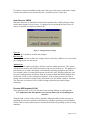
This option is an advanced form of I/O monitoring and was included in the card’s
options because some old anti-virus programs detected the deep I/O protection as a
virus. If this were the case then it could be disabled using this option. However, even
if this deep I/O protection is disabled the computer system is still fully protected and
cannot be adversely affected.
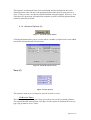
4.1.4. Advanced Options (O)
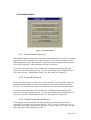
Figure 7: Advanced Options button
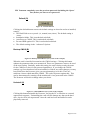
Clicking this button takes you to a screen where a number of options have been added
to meet the advanced needs of some users.
Figure 8: Advanced Options Screen
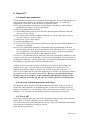
Timer (T)
Figure 9: Timer Options
This option is used to pre-set times for specific actions to occur.
(T) Recover Timer
This allows you to preset the time when you want to recover the protected partition.
You can set the time interval from 1-99 days. For this option to function the recovery
type (Fig 4) must be set to ‘Timer’
Page 22 of 33