1
MV-D1024-TrackCam User Manual
6.10 Calibration
Normally, the camera does not need to be calibrated as this is done after manufacture.
In some cases recalibration or detuning by purpose might be desired.
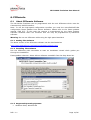
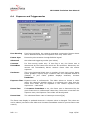
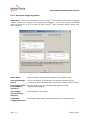
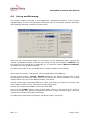
The calibration dialog is called via the Menu Camera->Calibration.
Voltage changes can always be undone by restoring the factory defaults via the
configuration dialog.
Entries which are greyed out can not be changed by the user.
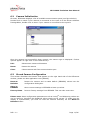
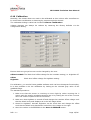
Offset LowGain The black level offset voltage for the LowGain setting (i.e. HighGain off
Offset
HighGain
Black level offset voltage for HighGain setting
For calibration, you need a frame grabber software with real time histogram functionality.
It is also possible to do the calibration by looking at the minimal gray value of the
grabbed image.
The standard procedure:
1. Make sure that the sensor is receiving no more light by either covering the C
mount with the usually included protection cap or by closing the iris of the C mount
lens. Set camera exposure time to minimum.
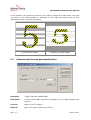
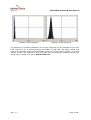
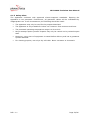
2. Make sure that HighGain is turned off and change the LowGain offset voltage such
that the black level peak displays as in the left image below.
3. Same for HighGain: Activate HighGain via the check box and change the offset
such that the black level distribution looks like in the image on the right.
4. Store the values in the EEPROM via the Store in EEPROM button.
REV: 1.1
Page 18/26
![GammaWare[Gw] User's Guide](http://vs1.manualzilla.com/store/data/006910084_1-8196ffa7e35032d3615309d6abf1f30d-150x150.png)