1
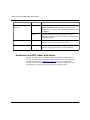
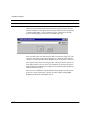
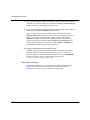
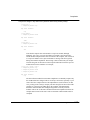
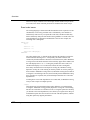
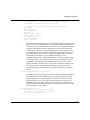
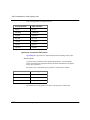
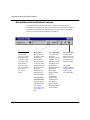
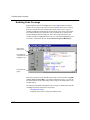
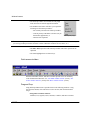
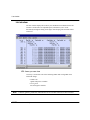
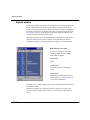
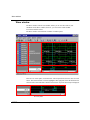
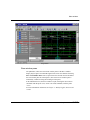
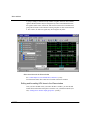
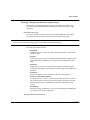
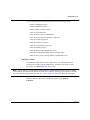
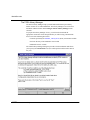
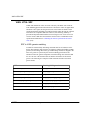
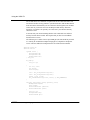
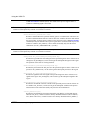
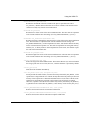
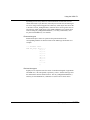
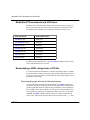
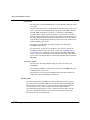
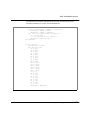
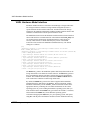
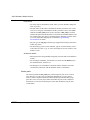
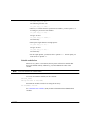
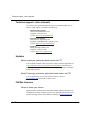
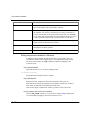
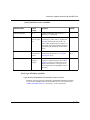
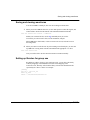
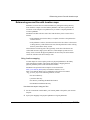
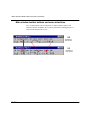
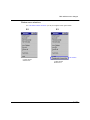
Wave window
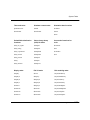
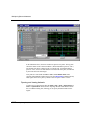
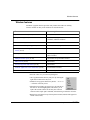
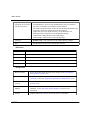
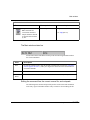
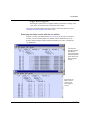
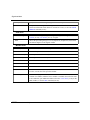
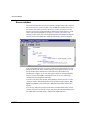
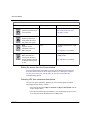
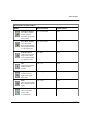
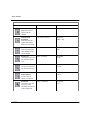
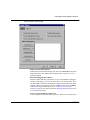
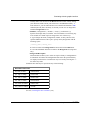
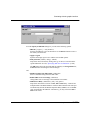
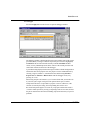
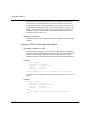
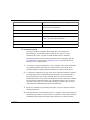
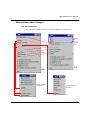
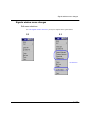
All signals in this
illustration are the
same /top/clk
signal. Starting
with "analog
step", the /top/clk
signal has been
relabeled to
illustrate each
different wave
formats.
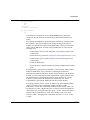
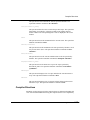
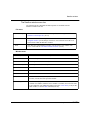
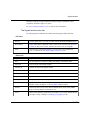
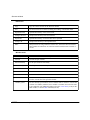
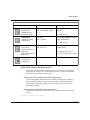
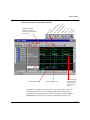
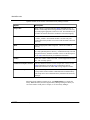
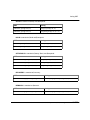
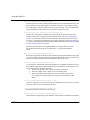
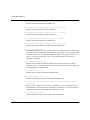
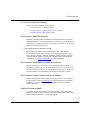
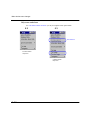
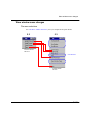
Analog Step
Displays a
waveform in step
style.
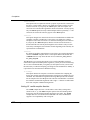
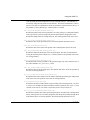
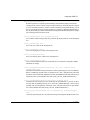
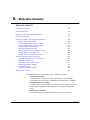
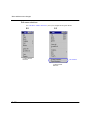
Analog
Interpolated
Displays the
waveform in interpolated style.
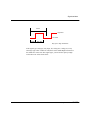
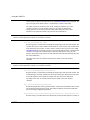
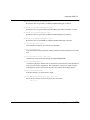
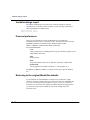
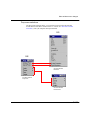
Analog Backstep
Displays the waveform in backstep style. Often used for power calculations.
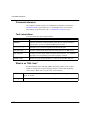
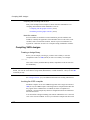
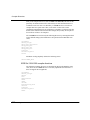
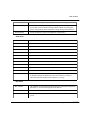
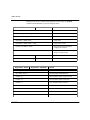
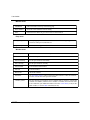
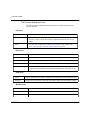
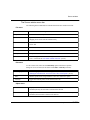
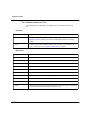
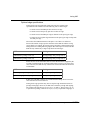
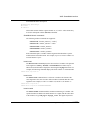
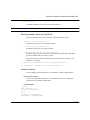
Only the following types are supported in Analog format:
VHDL types:
All vectors - std logic vectors, bit vectors, and vectors derived from these
types
Scaler integers
Scaler reals
Scaler time
Verilog types:
All vectors
Scaler real
Scalar integers
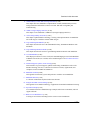
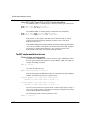
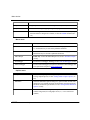
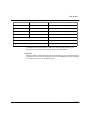
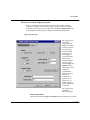
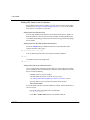
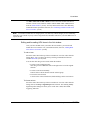
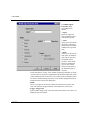
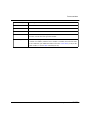
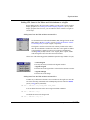
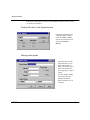
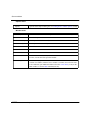
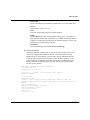
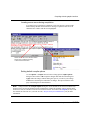
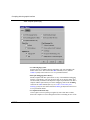
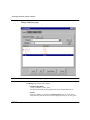
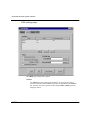
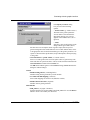
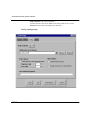
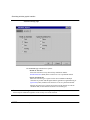
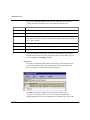
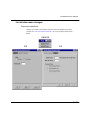
Wave height and offset can be set from the Wave window menu Prop > Signal
props by adjusting the parameters to the Pixels equation.
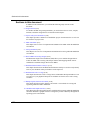
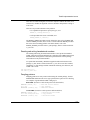
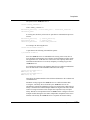
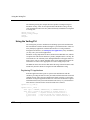
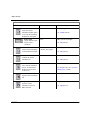
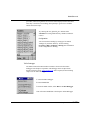
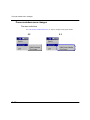
• Format: Literal
Displays the waveform as a box containing the item value (if the value fits the
space available). This is the only format that can be used to list a record.
ModelSim EE/SE User’s Manual
ModelSim EE Graphic Interface
10-229