1
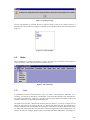
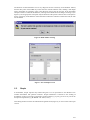
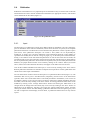
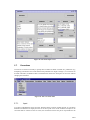
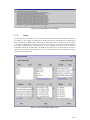
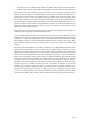
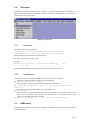
Figure 49: Backup menu
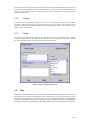
It is possible to run the backup feature manually. In the Administrator menu, click the “Run backup”
option (Figure 49). The new backup will be stored with the others and backups that are no longer
necessary are deleted.
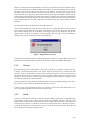
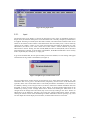
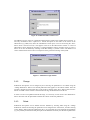
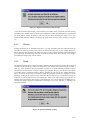
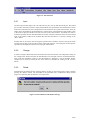
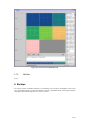
In order to restore a backup (for example after a wrong manipulation that resulted in inappropriate data
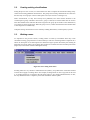
that would take a lot of time to restore), click on the “Restore backup” option. A list appears that
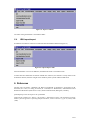
contain all the backups currently defined identified by their creation date (Figure 50). When the “OK”
button is clicked, the selected backup is restored and the current state of the database deleted.
Figure 50: Select backup window
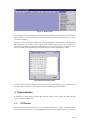
In order to delete a specific backup, the user can click on the “Delete backup” option and select in the
list the backup to be deleted. Clicking on the “OK” button deleted the selected backup.
5. Communication
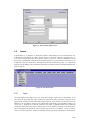
Prometheus is a system able to exchange data with other instances of the system, with other database
systems, and with external users.
5.1.
HTTP server
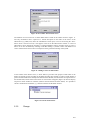
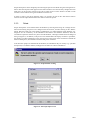
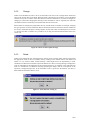
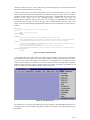
Prometheus has its own HTTP (web) server. This allows external user to explore the database easily
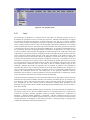
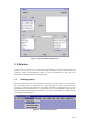
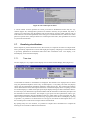
across the Internet. The server is activated and deactivated in the Options menu (Figure 52). When the
34/ 37