1
Digital Projection HIGHlite
660 Series USING THE PROJECTOR
Operating Guide
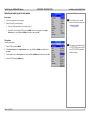
Setup menu
•
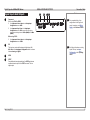
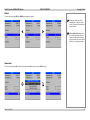
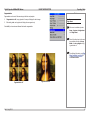
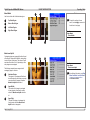
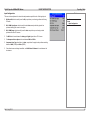
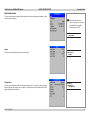
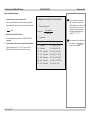
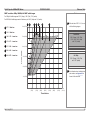
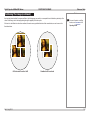
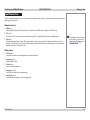
Depending on how the projector is mounted, select the appropriate setting from the drop-down
list.
•
Notes
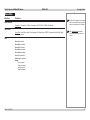
Orientation
Main Menu
Setup
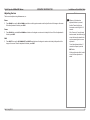
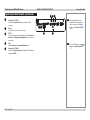
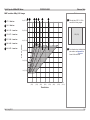
Latency
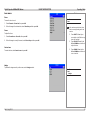
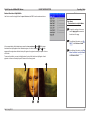
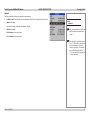
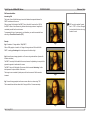
Affects interlaced sources only. For fastest response, the Lowest setting gives minimum frame
delay. For improved performance with films involving motion sequences, the Best Video setting
uses adaptive de-interlacing and interpolation, but takes longer to process.
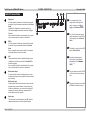
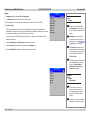
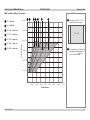
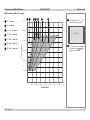
Reset Default Settings
Do NOT do this unless you are
sure that you want to restore ALL
the current settings to their factory
defaults.
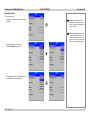
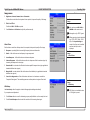
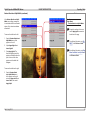
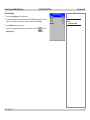
When you press OK to restore the factory default settings, a warning message appears, asking you to confirm or cancel.
Once the process has begun, wait one minute and then power cycle the projector so the restored settings can take effect.
Rev G July 2014
55