1
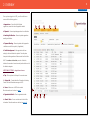
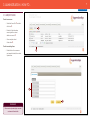
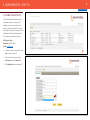
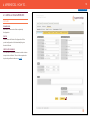
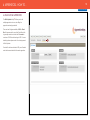
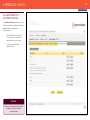
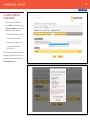
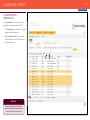
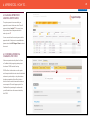
5 1. LOGGING IN BACK TO CONTENTS • Go to www.acecerts.co.uk • Click on the Login Button, which will take you • Enter your Username and Password* • Click the Login Button to enter . • Please refer to the technical guidance to to the login page . make sure your system meets the ACE system requirements . -- Green ticks are confirmation your system is compatible. -- Red denotes incompatibility 1 Should you have any problems logging in with your username and password, please contact the relevant Certification Body. 2 Alternatively please contact the ACE Support Team: Telephone: 0844 072 2560 E-mail: [email protected] REMEMBER! Please be aware that the Username and Password are both case sensitive. Keep all passwords in a safe place and do not reveal them to anyone. ACE follows the history of each Apprentice by tracking login details. If additional user accounts need to be added then the Admin User will be able to set up accounts for colleagues to access the system. 3