1
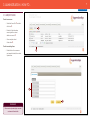
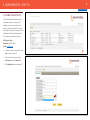
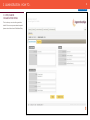
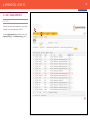
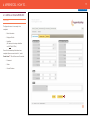
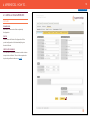
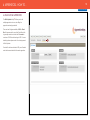
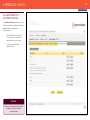
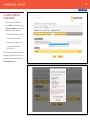
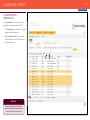
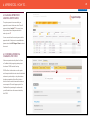
7 3. ADMINISTRATION - HOW TO... BACK TO CONTENTS 3.1 Add/Edit Users To add a new user: -- Select the Users Tab and click Add User . 2 -- Enter all of the information ensuring that the contact details are correct . -- Once complete, select Create Item . To edit an existing User: 1 -- Double click on the username and amend the detail, then select Update Item. 3 4 REMEMBER! Please note only admin logins can add and amend User details.