1
GSK983M Milling CNC System User Manual (Volume I: Specifications and Programming)
O
(Program number ):
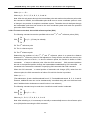
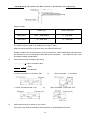
Command
M99;
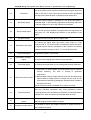
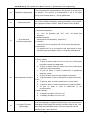
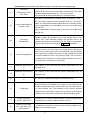
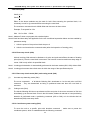
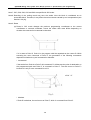
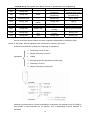
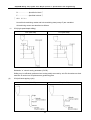
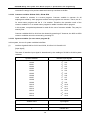
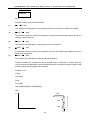
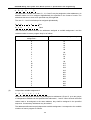
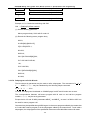
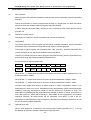
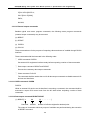
Program number is prescribed as follows:
(1)
O 1~ O 7999
The numbers are applicable for the programs that can be freely saved, cleared and edited.
(2)
O 8000~ O 8999
The numbers cannot be used for the programs for saving and clearing way edition without the
setting of relevant devices.
(3)
O 9000~ O 9091
The numbers are applicable for call type special macro programs.
(4)
O 9020~ O 9019
(5)
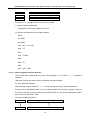
The numbers cannot be used for the programs for saving and clearing way edition without the
setting of the parameters.
O 9900~ O 9999
The numbers are applicable for robot operational programs.
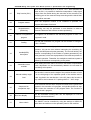
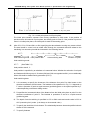
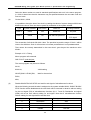
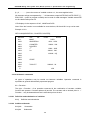
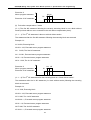
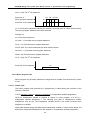
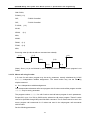
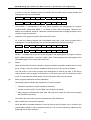
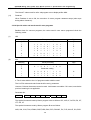
Fictitious variable (the variable that macro program calls in command to receive data) are
canned, namely the addresses of the specified parameters correspond to macro program body
number through macro program call command.
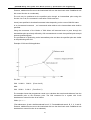
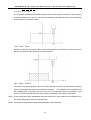
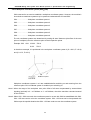
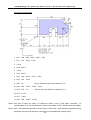
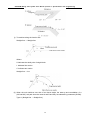
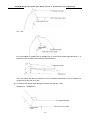
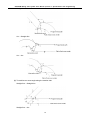
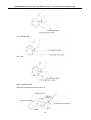
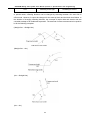
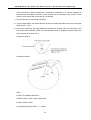
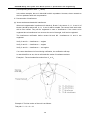
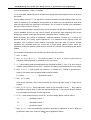
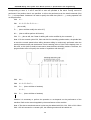
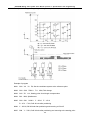
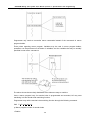
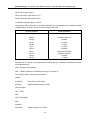
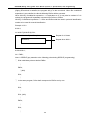
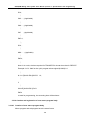
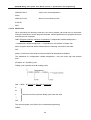
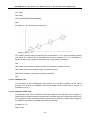
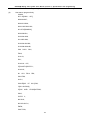
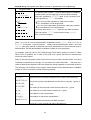
Example 10.6.1:
O 9081;
G 00 X#24;
Z#18;
G 01 Z#26;
G00 Z-[ROUND[#18]+ROUND[#26]];
M99;
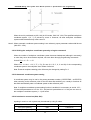
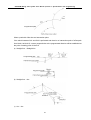
Z
#24
#18
#26
X
159