1
Troubleshooting
This section helps you solve problems you may be experiencing with
All-In-One. Additional troubleshooting information is available in the
Solution Center. See page 11 to learn how to access the Solution Center.
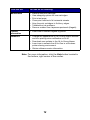
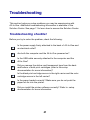
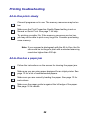
Troubleshooting checklist
Before you try to solve the problem, check the following:
Is the power supply firmly attached to the back of All-In-One and
an electrical outlet?
Are both the computer and the All-In-One powered on?
Is the USB cable securely attached to the computer and the
All-In-One?
Did you remove the sticker and transparent tape from the back
and bottom of both print cartridges (refer to the setup
documentation for more information)?
Is the black print cartridge secure in the right carrier and the color
cartridge secure in the left carrier?
Is the paper loaded correctly? Make sure you do not push the
paper too far into the printer.
Did you install the printer software correctly? Refer to setup
documentation for more information.
21