1
Contents
Learning about the All-In-One .......................................... 3
Setting up the All-In-One ............................................................... 3
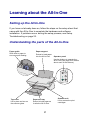
Understanding the parts of the All-In-One .................................... 3
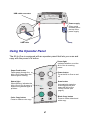
Using the Operator Panel ............................................................. 4
Understanding the software ............................................. 5
Using Print Properties ................................................................... 5
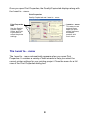
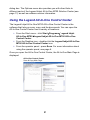
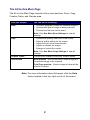
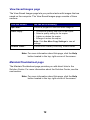
Using the Legend All-In-One Control Center ................................ 8
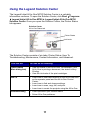
Using the Legend Solution Center .............................................. 11
Using the All-In-One ........................................................ 13
Printing ........................................................................................ 13
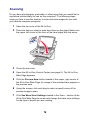
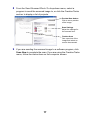
Scanning ..................................................................................... 16
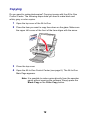
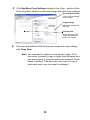
Copying ....................................................................................... 18
Faxing ......................................................................................... 20
Troubleshooting ............................................................... 21
Troubleshooting checklist ........................................................... 21
Setup troubleshooting ................................................................. 22
Printing troubleshooting .............................................................. 24
Scanning, copying, and faxing troubleshooting .......................... 26
Uninstalling and reinstalling the software .................................... 28
1