1
Faxing
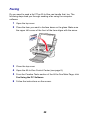
Do you need to send a fax? The All-In-One can handle that, too. The
following steps lead you through sending a fax using the computer
software.
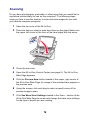
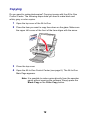
1 Open the top cover.
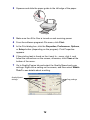
2 Place the item you want to fax face down on the glass. Make sure
the upper left corner of the front of the item aligns with the arrow.
3 Close the top cover.
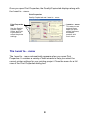
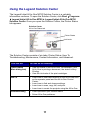
4 Open the All-In-One Control Center (see page 8).
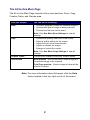
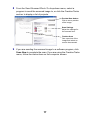
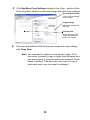
5 From the Creative Tasks section of the All-In-One Main Page, click
Fax Using the PC Software.
6 Follow the instructions on the screen.
20