1
Measurement Functions
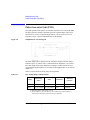
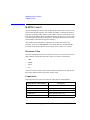
Zero Offset Cancel
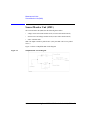
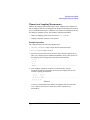
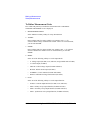
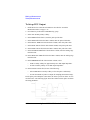
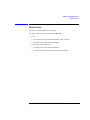
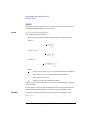
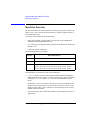
To Perform Offset Cancel
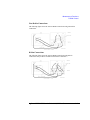
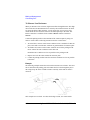
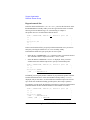
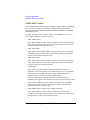
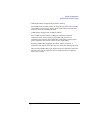
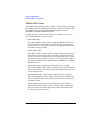
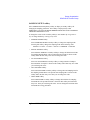
Offset cancel is automatically performed during measurement. The measurement
execution and the offset cancel are explained below:
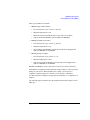
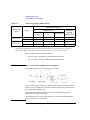
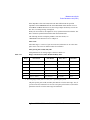
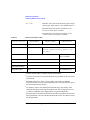
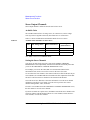
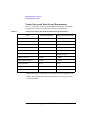
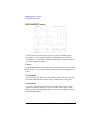
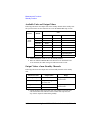
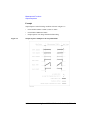
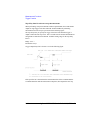
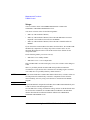
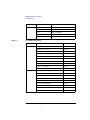
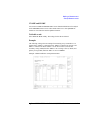
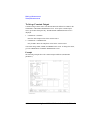
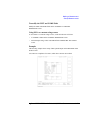
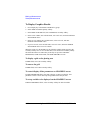
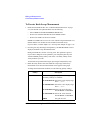
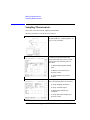
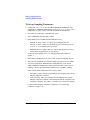
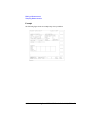
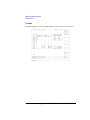
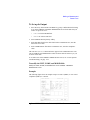
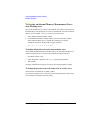
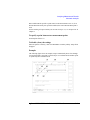
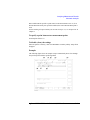
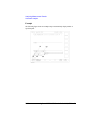
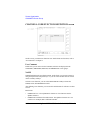
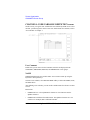
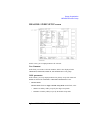
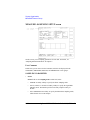
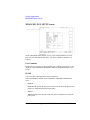
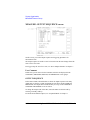
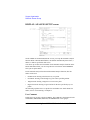
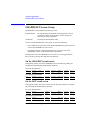
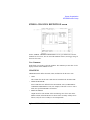
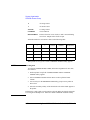
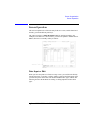
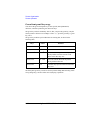
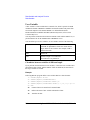
1. Select the measurement range in the MEASUREMENT RANGE table on the
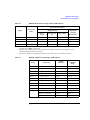
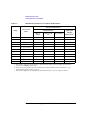
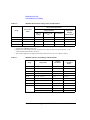
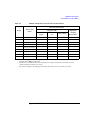
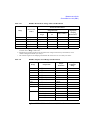
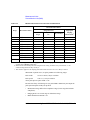
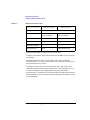
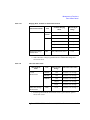
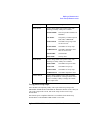
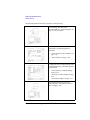
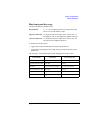
MEASURE: MEASURE SETUP screen. See Table 3-10 for the ranging mode
available. 10 nA limited auto and 10 nA fixed are also available.
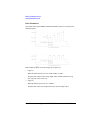
When you set 10 nA range, offset cancel function uses the 1 nA range offset data
for the data measured in both 1 nA range and 10 nA range.
For the 100 nA range or more, offset cancel function is not available.
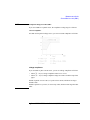
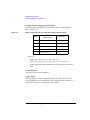
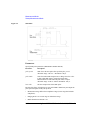
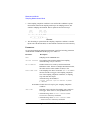
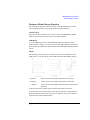
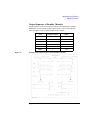
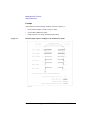
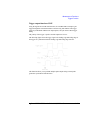
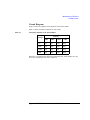
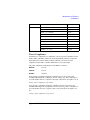
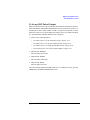
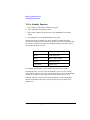
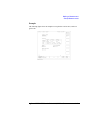
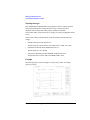
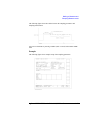
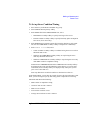
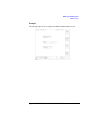
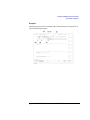
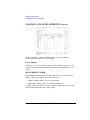
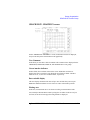
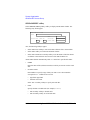
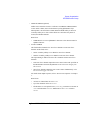
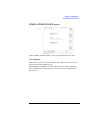
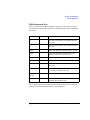
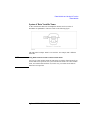
2. Set the ZERO CANCEL field to ON.
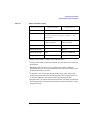
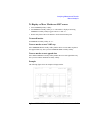
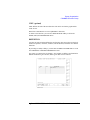
Offset cancel is not performed for the measurement paths set to OFF in the
ZERO CANCEL table.
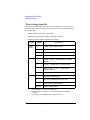
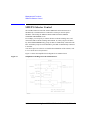
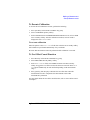
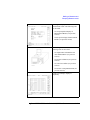
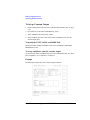
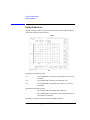
3. Press Single, Repeat, or Append front-panel key to execute measurement.
The offset cancel is automatically performed while measurement is performed.
The measurement data is automatically compensated by using the offset data.
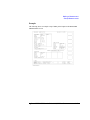
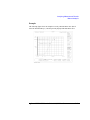
And the compensated data is displayed on the GRAPH/LIST screen.
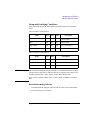
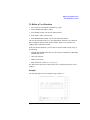
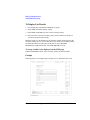
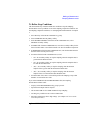
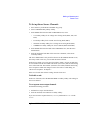
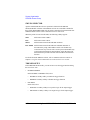
To disable the offset cancel function, select the ZERO CANCEL ON/OFF softkey
on the ZERO CANCEL field. It toggles ON and OFF.
If you select OFF, all paths in the ZERO CANCEL table are set to OFF. If you select
ON, only the available paths are set to ON.
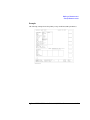
NOTE
If measurement range setup is changed to a lower range than the range at which the
offset data was measured, then offset cancel is not performed for the unit.
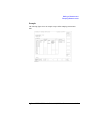
For example, if HRSMU measurement range is changed to auto range from 1 nA
fixed range after measuring offset data in 1 nA range, OFF is displayed in the unit's
ZERO CANCEL field. Because it is possible that auto range will use range lower
than 1 nA.
3-68
Agilent 4155B/4156B User’s Guide Vol.2, Edition 5