1
Amazon Simple Storage Service Console User Guide
Support for Viewing Data
• Intuitive UI that abstracts the underlying API calls
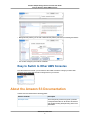
• Easy to switch to other consoles that are part of the AWS Management Console
Note
You might want to sign into the Amazon S3 console at https://console.amazonaws.cn/s3 as you
read the remainder of this section. Your Session Credentials will keep you logged into the AWS
Management Console for approximately twelve hours.
Support for Viewing Data
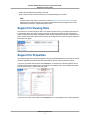
The Amazon S3 console provides a view of your Amazon S3 data. It lists your buckets and the objects
in each bucket. When you create a bucket you specify an AWS region where you want the bucket to
reside. Amazon S3 bucket names are globally unique and the console lists all buckets, regardless of the
region in which the bucket is stored. So the Amazon S3 console does not require any region selection to
list buckets and objects.
Support for Properties
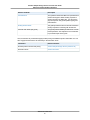
The console supports the concept of properties. Using the properties abstraction, the Amazon S3 console
shows the metadata and subresources associated with the primary resource (bucket or object).
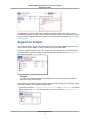
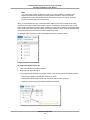
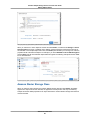
If you click on a bucket name and then click Properties, you will get a list of bucket properties. These
properties include bucket subresources, described in the preceding section, and metadata information
such as resource name, creation date, and owner.
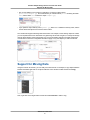
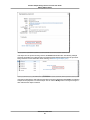
If you click on an object name and then click Properties, the console displays a list of object properties.
API Version 2006-03-01
3