1
AWS CloudFormation User Guide
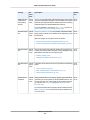
AWS::OpsWorks::Instance
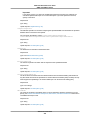
Required: No
Type: String
Update requires: Some interruptions (p. 86)
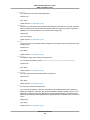
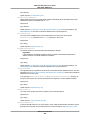
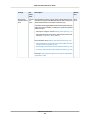
RootDeviceType
The instance root device type.
Required: No
Type: String
Update requires: Replacement (p. 86)
SshKeyName
The instance SSH key name.
Required: No
Type: String
Update requires: Some interruptions (p. 86)
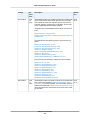
StackId
The ID of the AWS OpsWorks stack that this instance will be associated with.
Required: Yes
Type: String
Update requires: Replacement (p. 86)
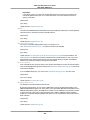
SubnetId
The ID of the instance's subnet. If the stack is running in a VPC, you can use this parameter to
override the stack's default subnet ID value and direct AWS OpsWorks to launch the instance in a
different subnet.
Required: No
Type: String
Update requires: Replacement (p. 86)
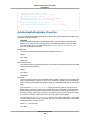
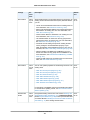
TimeBasedAutoScaling
The time-based scaling configuration for the instance.
Required: No
Type: AWS OpsWorks TimeBasedAutoScaling Type (p. 615)
Update requires: Replacement (p. 86)
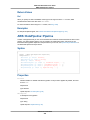
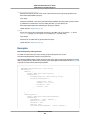
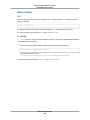
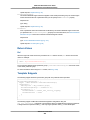
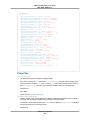
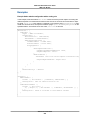
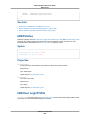
Return Values
Ref
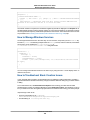
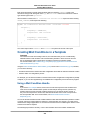
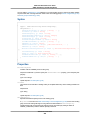
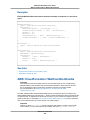
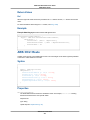
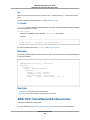
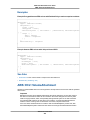
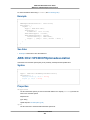
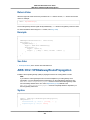
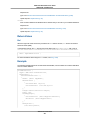
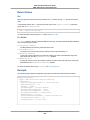
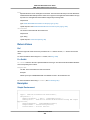
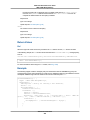
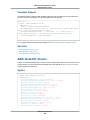
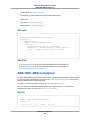
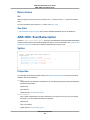
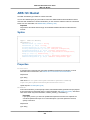
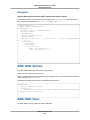
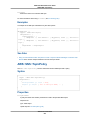
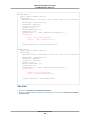
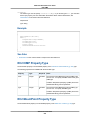
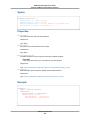
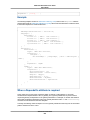
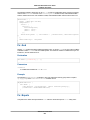
When the logical ID of this resource is provided to the Ref intrinsic function, Ref returns the resource
name. For example:
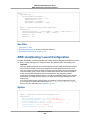
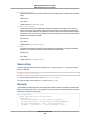
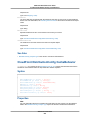
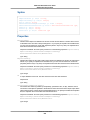
{ "Ref": "myInstance1" }
API Version 2010-05-15
476