1
5.
6.
Datacolor CHECK II
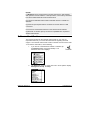
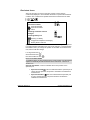
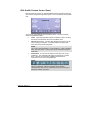
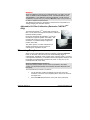
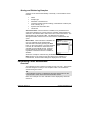
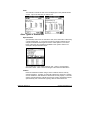
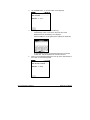
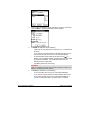
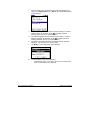
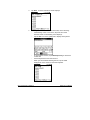
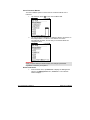
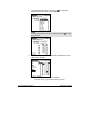
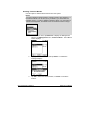
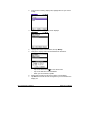
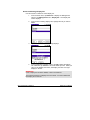
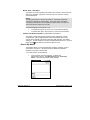
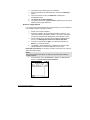
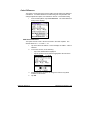
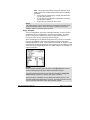
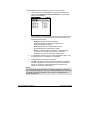
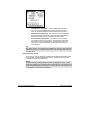
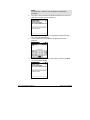
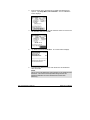
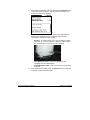
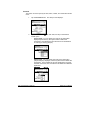
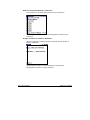
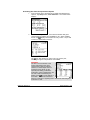
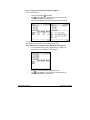
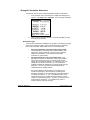
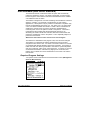
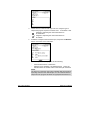
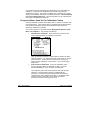
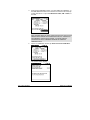
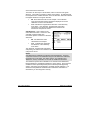
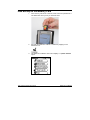
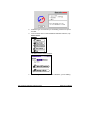
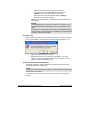
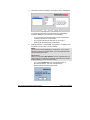
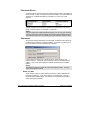
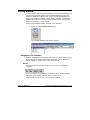
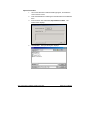
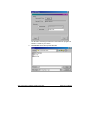
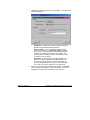
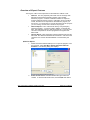
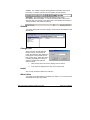
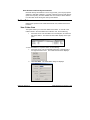
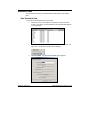
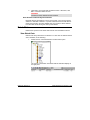
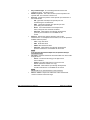
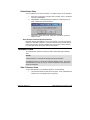
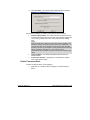
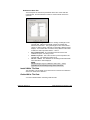
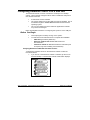
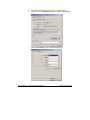
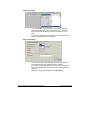
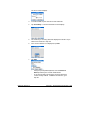
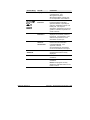
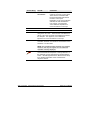
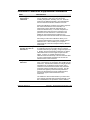
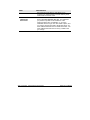
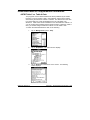
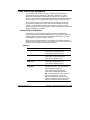
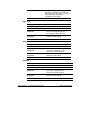
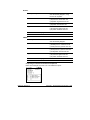
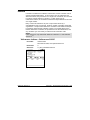
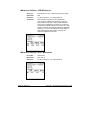
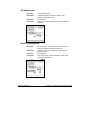
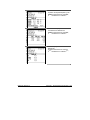
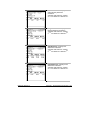
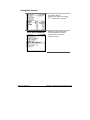
Enter the nominal whiteness value for your fluorescent tile.
Depending on the whiteness index selected, this is either the CIE
Whiteness value or the Ganz Whiteness value on the certificate.
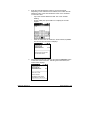
To enter this value.
−
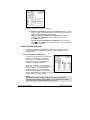
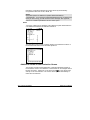
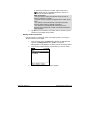
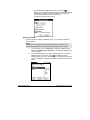
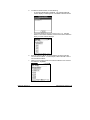
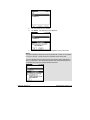
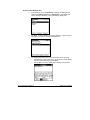
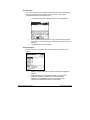
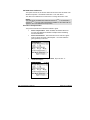
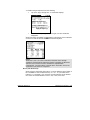
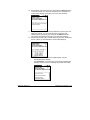
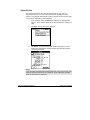
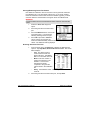
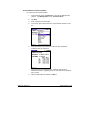
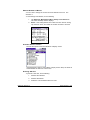
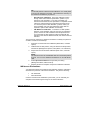
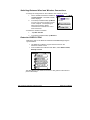
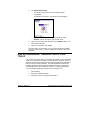
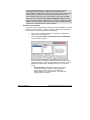
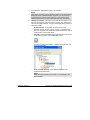
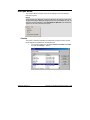
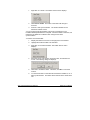
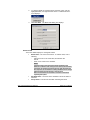
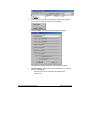
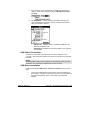
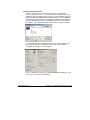
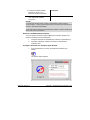
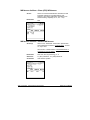
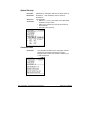
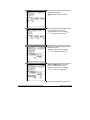
Tap in the Nominal Whiteness field. The cursor will start
flashing.
−
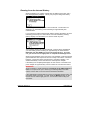
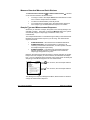
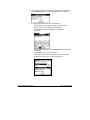
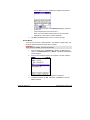
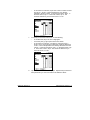
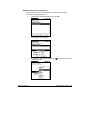
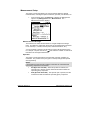
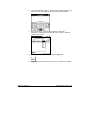
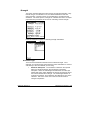
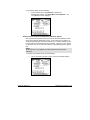
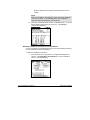
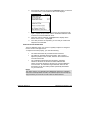
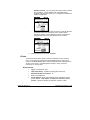
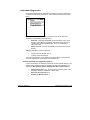
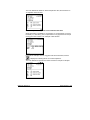
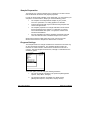
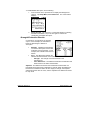
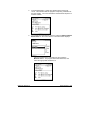
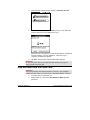
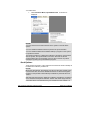
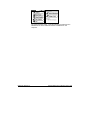
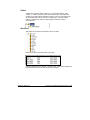
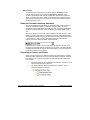
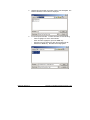
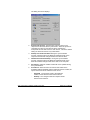
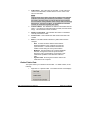
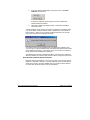
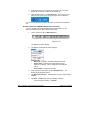
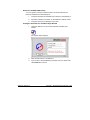
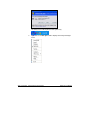
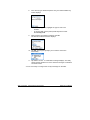
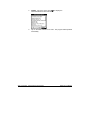
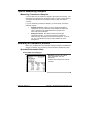
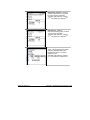
On the graffiti pad, tap the 123 icon to display the numeric
keypad.
−
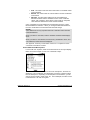
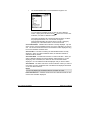
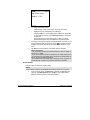
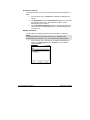
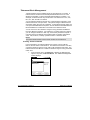
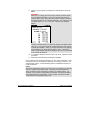
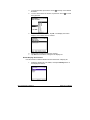
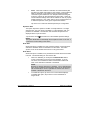
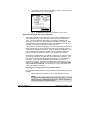
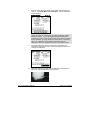
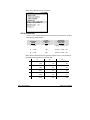
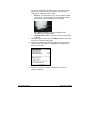
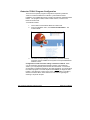
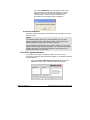
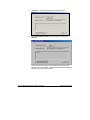
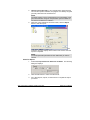
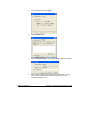
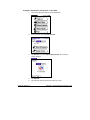
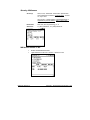
Enter the value from the certificate. When finished, tap Done.
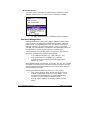
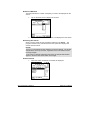
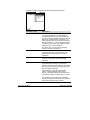
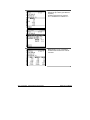
The Fluorescent Tile screen redisplays.
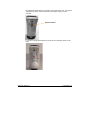
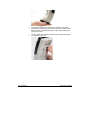
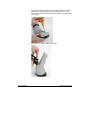
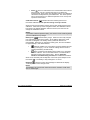
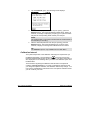
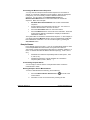
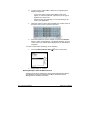
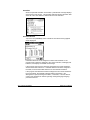
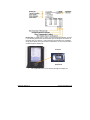
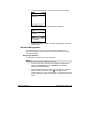
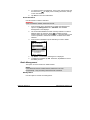
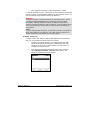
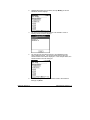
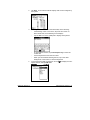
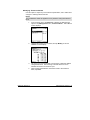
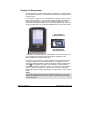
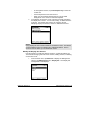
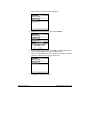
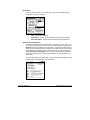
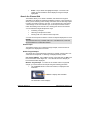
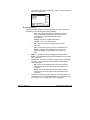
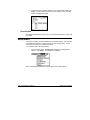
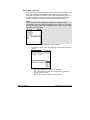
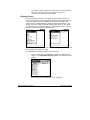
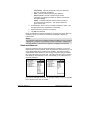
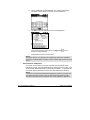
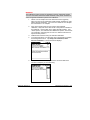
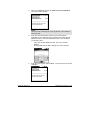
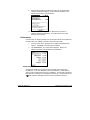
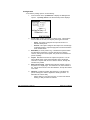
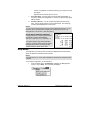
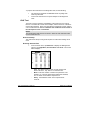
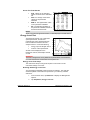
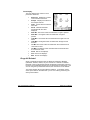
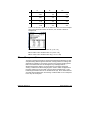
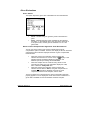
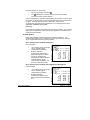
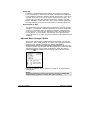
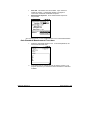
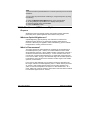
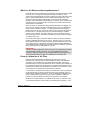
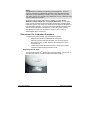
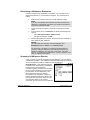
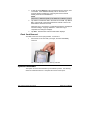
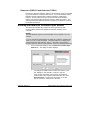
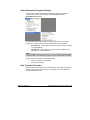
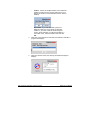
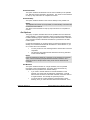
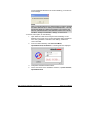
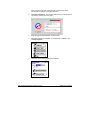
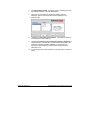
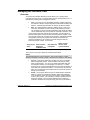
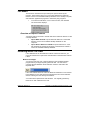
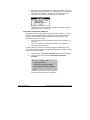
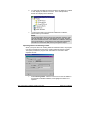
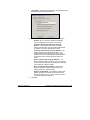
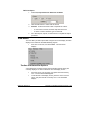
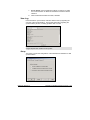
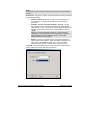
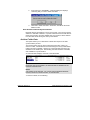
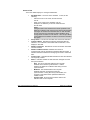
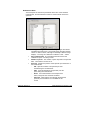
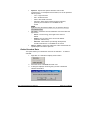
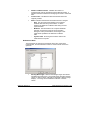
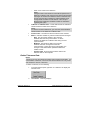
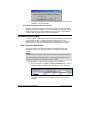
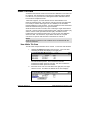
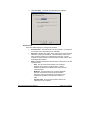
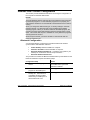
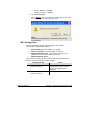
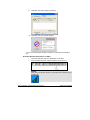
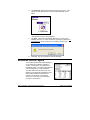
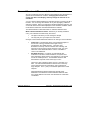
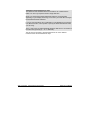
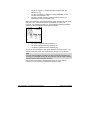
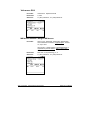
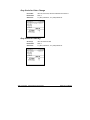
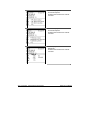
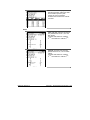
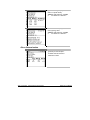
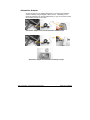
Place the fluorescent tile at the port and press the Measure button
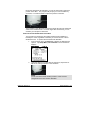
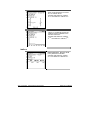
on the back of the instrument. Following the measurement, the
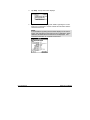
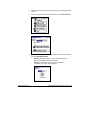
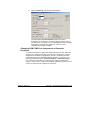
screen below displays.
Other Options • 173