1
•
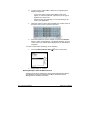
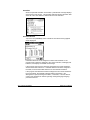
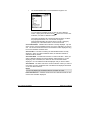
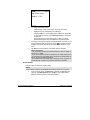
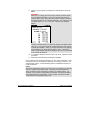
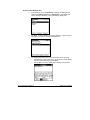
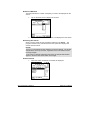
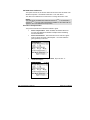
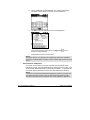
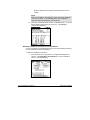
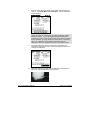
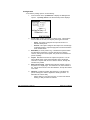
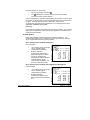
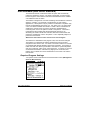
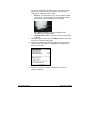
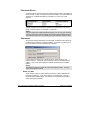
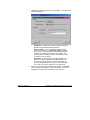
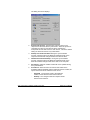
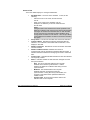
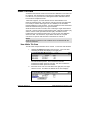
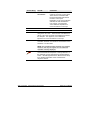
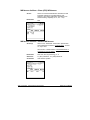
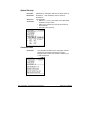
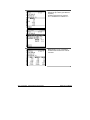
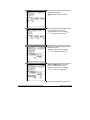
Step of Wavelength. The wavelength interval used for the
reflectance report. It is always 10nm.
•
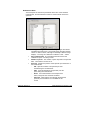
Number of points. This is the number of points reported in the
spectral data. The maximum number is 43.
•
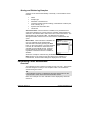
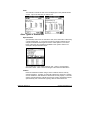
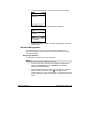
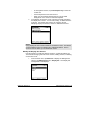
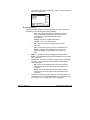
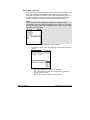
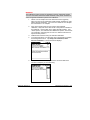
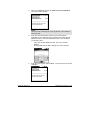
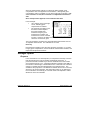
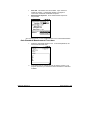
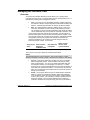
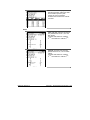
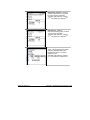
Specular. Reports the position of the specular port at the time of
the measurement.
•
−
SCI. (Specular Included) The specular port was
closed during the measurement.
−
SCE. (Specular Excluded) The specular port was
open during the measurement.
−
Gloss. Two measurements of the sample were
made, using both SCI and SCE conditions.
−
Unknown. When data is input through the keyboard,
specular port information is not available for the
record.
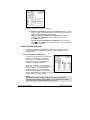
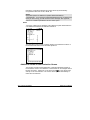
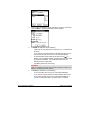
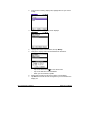
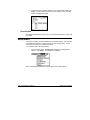
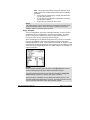
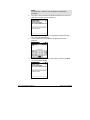
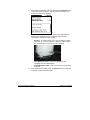
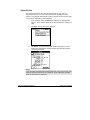
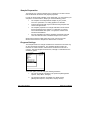
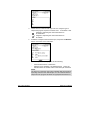
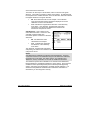
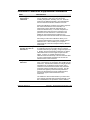
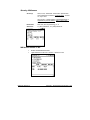
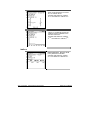
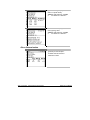
Aperture. Reports the aperture selection used for the
measurement. For dual aperture instruments, one of two apertures
available will be reported.
−
LAV. Large Area View.
−
SAV. Small Area View
−
USAV. Ultra-Small Area View
Unknown. When data is input through the keyboard,
aperture information is not available for the record.
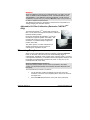
NOTE
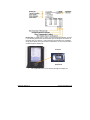
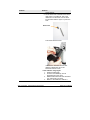
If you are using the XUSAV stapler foot, the aperture setting is
recorded as USAV.
−
•
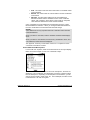
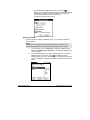
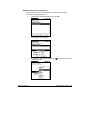
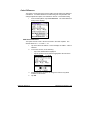
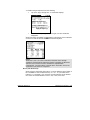
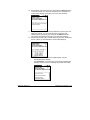
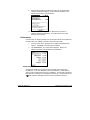
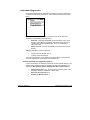
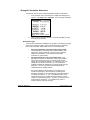
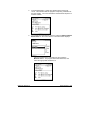
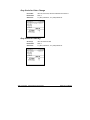
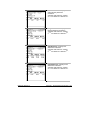
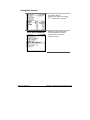
UV status. Indicates whether the ultra-violet filter was used to filter
the light source.
−
UV Inc. The ultra-violet energy in the light source
was not filtered.
−
UV Exc. The ultra-violet energy in the source was
PRO
only)
filtered. (Datacolor CHECK II
Unknown. When data is input through the keyboard,
UV filter information is not available for the record.
NOTE
The UV filter is an optional feature on the instrument.
−
•
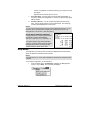
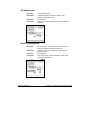
400nm – 700nm. Reports the reflectance value measured at
t10nm increments across this range.
248 • Data Management Options
Datacolor CHECK II