1
8. Special configurations
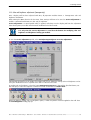
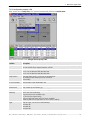
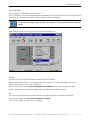
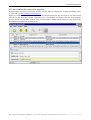
8.1.3 How to start the OverView Control Manager in a different language
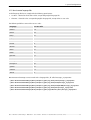
Precondition: the respective language files are stored in the folders mentioned above!
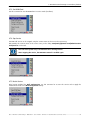
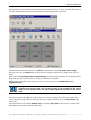
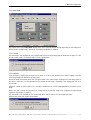
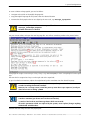
In case this precondition is fulfilled, changing your regional settings to the specific country, and then launching
the OCM will show you the localized user interface.
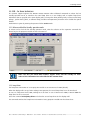
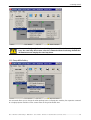
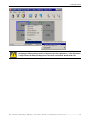
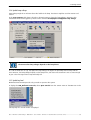
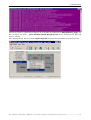
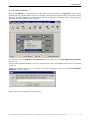
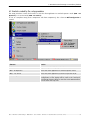
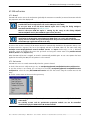
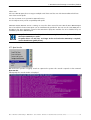
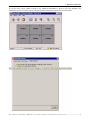
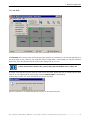
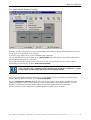
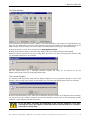
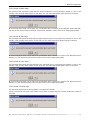
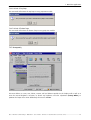
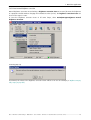
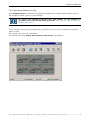
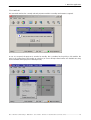
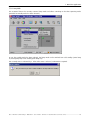
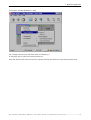
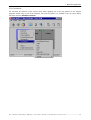
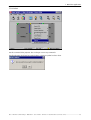
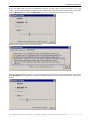
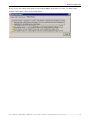
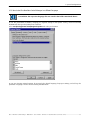
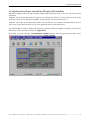
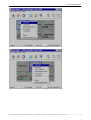
Select Start|Setting|Control Panel|Regional Optionsand select your location.
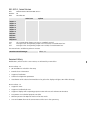
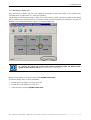
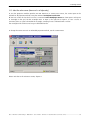
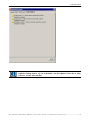
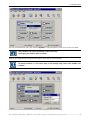
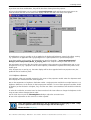
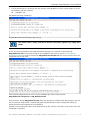
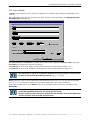
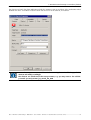
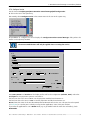
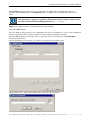
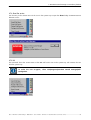
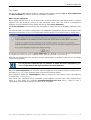
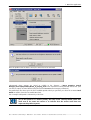
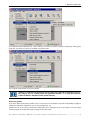
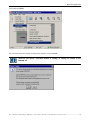
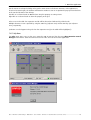
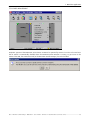
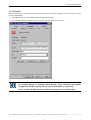
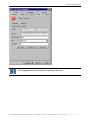
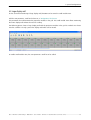
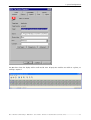
In case your favorite regional settings do not match the desired language, keep your settings, and add e.g. the
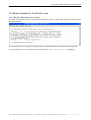
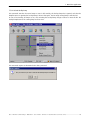
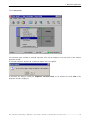
parameter –language fr to the shortcut starting the OCM client:
Barco – OverView Control Manager – DOC-3378-2 – user's manual – Revision 04 – December-2006 user mode: service ________________________________ 8-6






![OverView Control Manager user`s manual - operator [v04]](http://vs1.manualzilla.com/store/data/005659468_1-4c522981c7089838b286d7fbb1120c24-150x150.png)



![CAST for PSI user`s manual [v07]](http://vs1.manualzilla.com/store/data/005903758_1-a858c2dfda3ffb28451a6ec48d1cfa02-150x150.png)