1
Contents
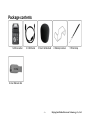
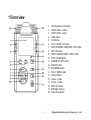
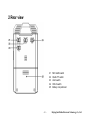
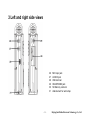
Package contents .................................................................................................................... - 6 IMPORTANT ............................................................................................................................. - 7 Understanding the Lotoo L300 ..................................................................................................- 8 1 Front view ...........................................................................................................................................- 9 2 Rear view ..........................................................................................................................................- 10 3 Left and right side views .................................................................................................................... - 11 -
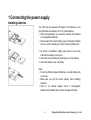
Getting Started..........................................................................................................................- 12 1 Connecting the power supply ............................................................................................................- 13 Installing batteries ................................................................................................................................................................. - 13 Battery capacity indicator..................................................................................................................................................... - 14 External power supply .......................................................................................................................................................... - 14 -
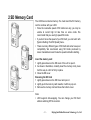
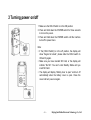
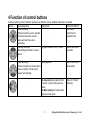
2 SD Memory Card ..............................................................................................................................- 15 3 Turning power on/off .........................................................................................................................- 16 4 Function of control buttons ................................................................................................................- 17 -
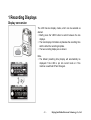
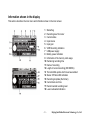
Recording .................................................................................................................................- 19 1 Recording Displays ...........................................................................................................................- 20 Display conversion................................................................................................................................................................ - 20 Information shown in the display ........................................................................................................................................ - 21 -
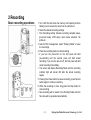
2 Recording..........................................................................................................................................- 22 -2-
Beijing InfoMedia Electronic Technology Co., Ltd