1
6. Display – Usage of SD Viewer ES -
6. Display – Usage of SD Viewer ES 6.1 Overview of SD Viewer ES
SD Viewer ES displays the data recorded in the PC as graphs offline with the logging tool,
and displays the data recorded in the SD card in Air Thermo Station unit as graphs. SD
Viewer ES also connects the data items recorded in different periods, and displays side by
side the data items recorded with another Air Thermo Logger.
6.2 Preparation
6.2.1 System requirements of SD Viewer ES
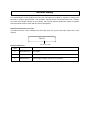
SD Viewer ES operates under the following conditions.
System requirements of SD Viewer ES
Windows XP/Vista/7 (32-bit)
Intel (x86) compatible processor (1 GHz or faster)
1 GB or more (2 GB or more recommended)
Resolution 1024 x 768 or more, 65,535 colors (16-bit
color) or more
HDD
A minimum of 30 GB free space is required to install SD
Viewer ES.
CD-ROM drive
For installation
SD card reader, writer, SD For recorded data reading
card slot
OS
CPU
Memory
Display
6.2.2 Installing/uninstalling SD Viewer ES
(1) Installing SD Viewer ES
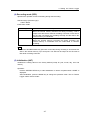
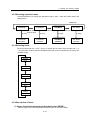
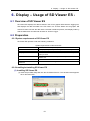
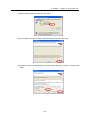
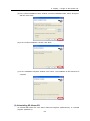
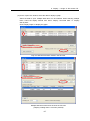
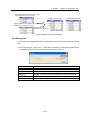
(1) Insert the provided Utility Disk into the CD-ROM of the PC. The window below appears.
Click “SD Viewer ES”.
6-1