1
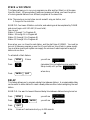
START TIMES
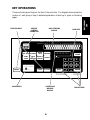
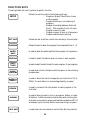
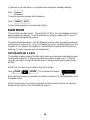
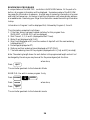
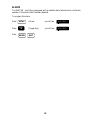
This is used to set the start time for a program. The Program # is shown in the display
as a convenience.
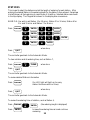
EXAMPLE: You wish the program to start watering at 7:10 AM and 4:30 PM
Press:
START
TIMES
SAT
SUN
WED
TUE
7
4
1
3
AM
0
PM
when done,
Press:
QUIT
The controller goes back to the Automatic Mode.
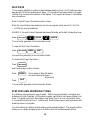
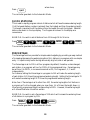
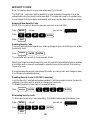
To review Start Times
Press:
START
TIMES
(Start Time 1 is displayed).
To review Start Time 2
Press:
ENTER
Press:
QUIT
When done
The clock goes back to the Automatic Mode.
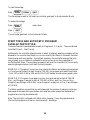
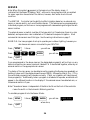
To clear a start time, such as Start Time 2
Press:
START
TIMES
(Start Time 1 is displayed).
To get to Start Time 2
Press:
ENTER
(Start Time 2 is displayed.)
To clear it
Press:
CLEAR
(The controller goes
to Start Time 2.)
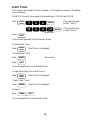
ENTER
0
QUIT
The clock goes back to the Automatic Mode.
25
ENTER
(The controller goes
to Start Time 3.)