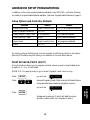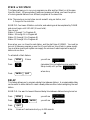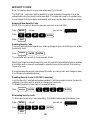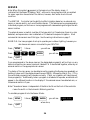
1
EXECUTE KEYS
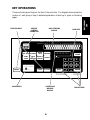
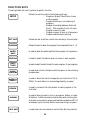
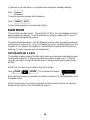
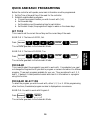
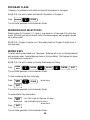
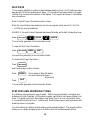
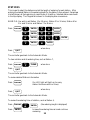
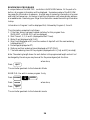
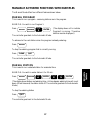
These keys (light tan color) will execute the function that has been selected to be
programmed.
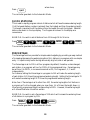
ENTER
All DATA KEY input (see below) must be followed by the
ENTER key to be accepted by the controller.
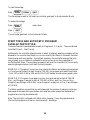
CLEAR
Allows the user to clear a selected function out of a program.
This key will also put the controller in the programmable rain mode.
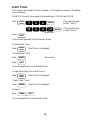
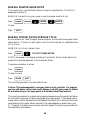
QUIT
Is used on completion of a function after it has been executed
and will return the controller to the automatic mode.
This key may be pressed to exit any function.
DATA KEYS
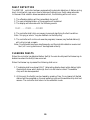
These keys ( dark blue color) are used to select days of the week when entering time and
day, and are used to select numbers such as run times, delay times etc.
The number 1 key is also a toggle ON/OFF key when used in the Setup mode.
SUN
MON
WED
THU
1
4
SAT
7
AM
PM
2
TUE
3
FRI
5
6
8
9
0
13