1
G E N E R A T I N G
R E P O R T S
25-12
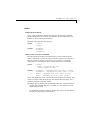
Mode Tree Report
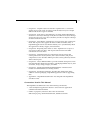
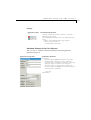
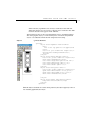
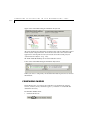
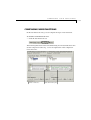
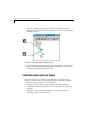
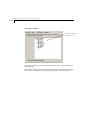
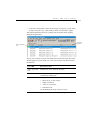
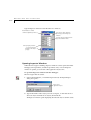
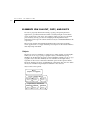
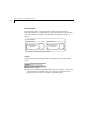
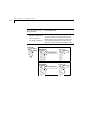
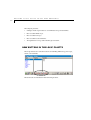
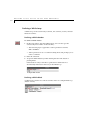
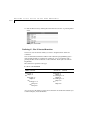
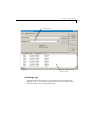
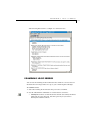
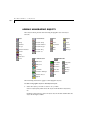
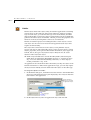
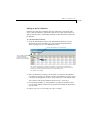
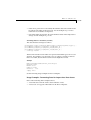
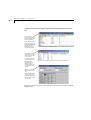
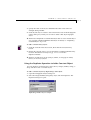
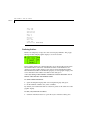
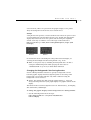
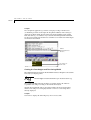
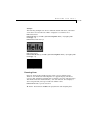
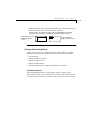
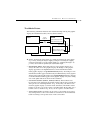
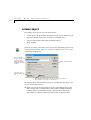
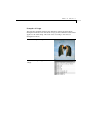
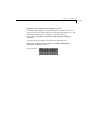
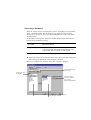
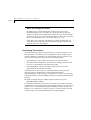
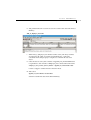
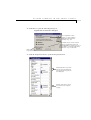
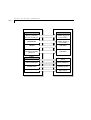
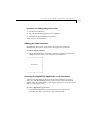
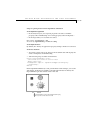
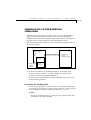
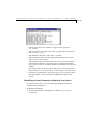
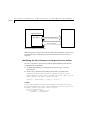
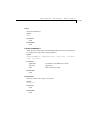
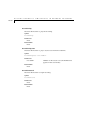
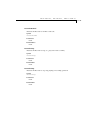
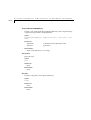
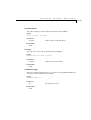
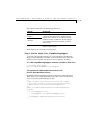
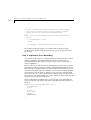
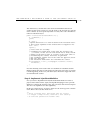
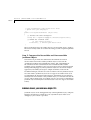
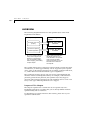
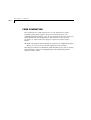
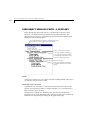
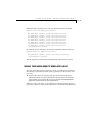
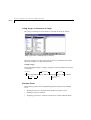
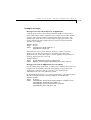
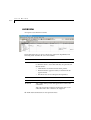
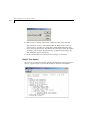
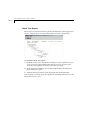
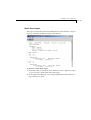
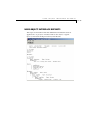
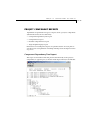
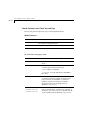
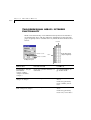
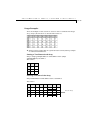
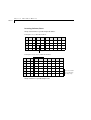
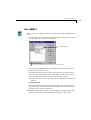
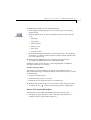
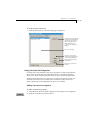
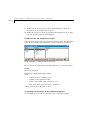
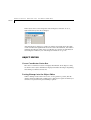
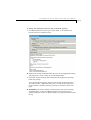
This report is an ASCII text file that presents the hierarchy of the application’s
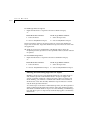
modes. A typical report (as viewed in the Report Viewer) looks like this:
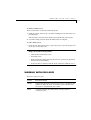
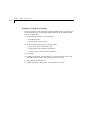
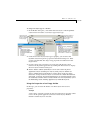
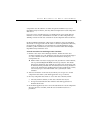
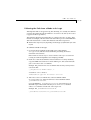
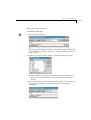
To generate a Mode Tree report:
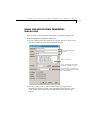
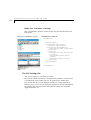
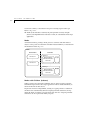
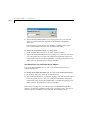
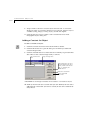
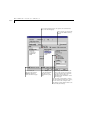
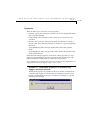
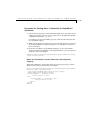
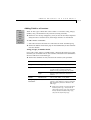
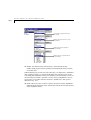
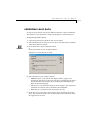
1 In the Mode Tree, select the mode for which you want to generate a report
(or you can type a mode name in the dialog box). If you want a report
about all of the application’s modes, select the root mode.
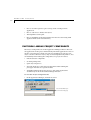
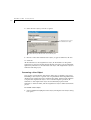
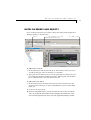
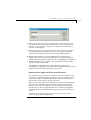
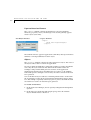
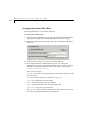
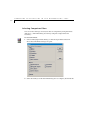
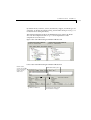
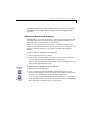
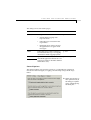
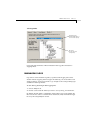
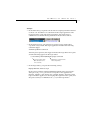
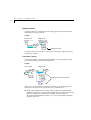
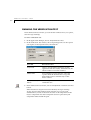
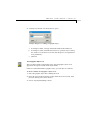
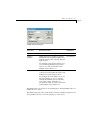
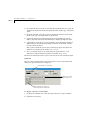
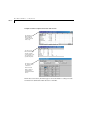
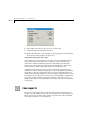
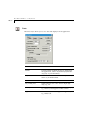
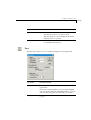
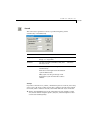
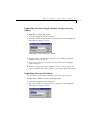
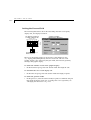
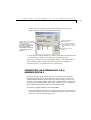
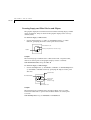
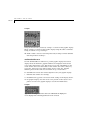
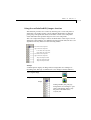
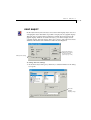
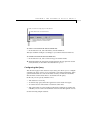
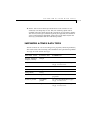
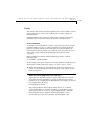
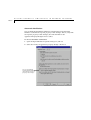
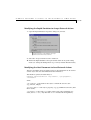
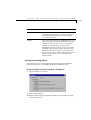
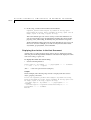
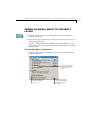
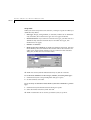
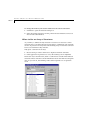
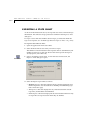
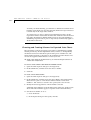
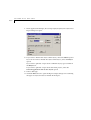
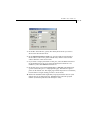
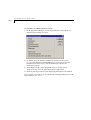
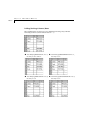
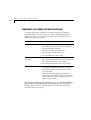
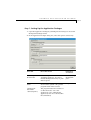
2 In the Application Manager, choose Reports|Modes|Tree; the Mode Tree
Report dialog box opens.
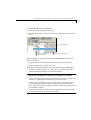
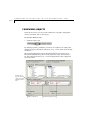
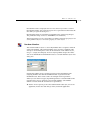
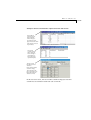
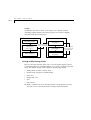
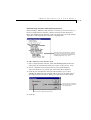
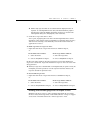
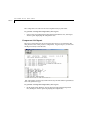
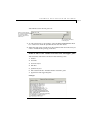
3 Click OK; the Report Viewer opens displaying the mode’s hierarchy.
You can print or save the report as explained in “Working with Reports in the
Report Viewer” on p. 25-3.